Module 2 Formstorming

Weekly Activity Template

Oleksandr Pyets


Project 2


Module 2

Activity 1
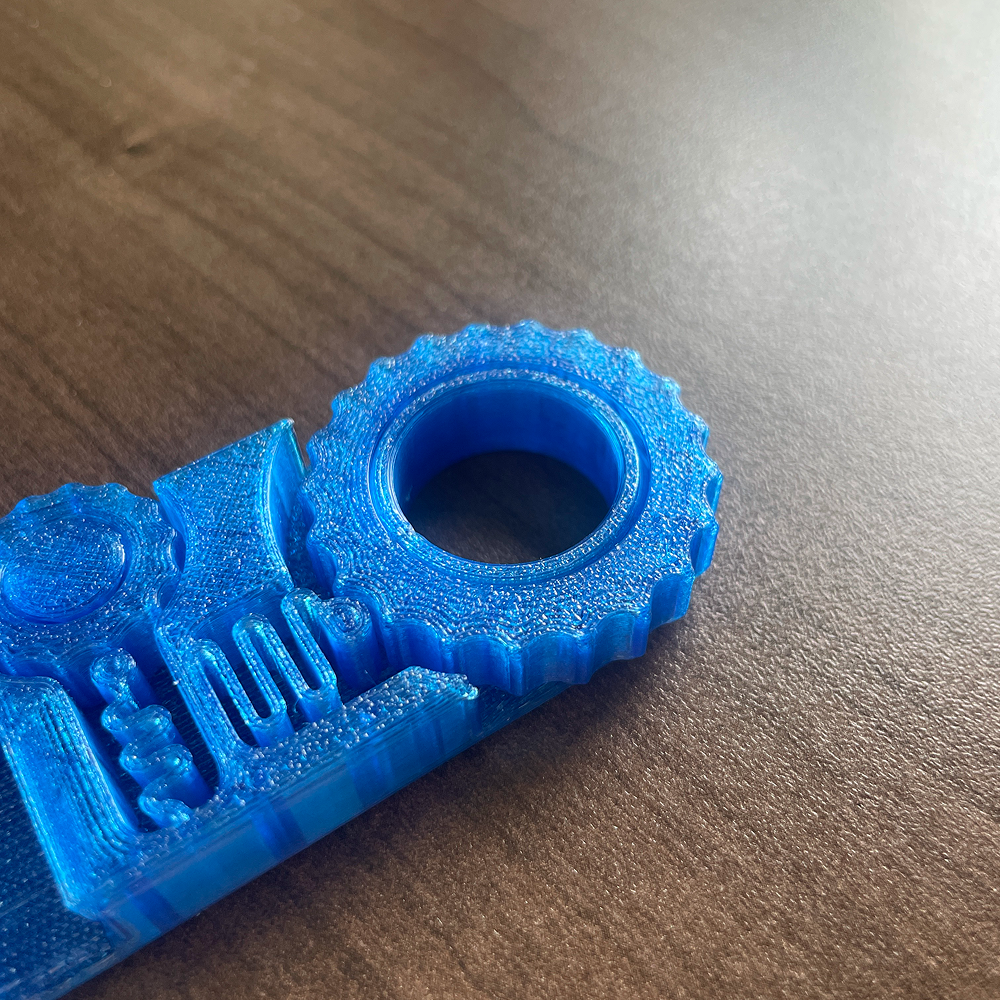
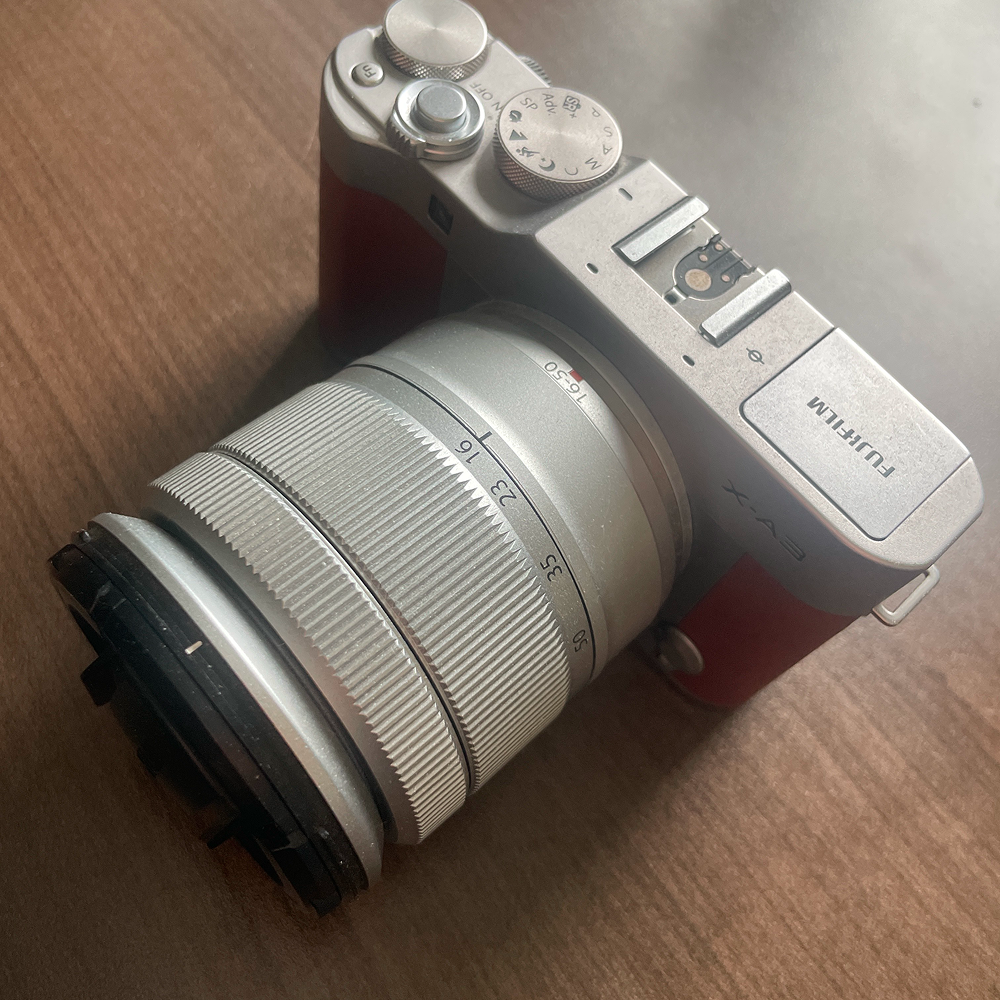
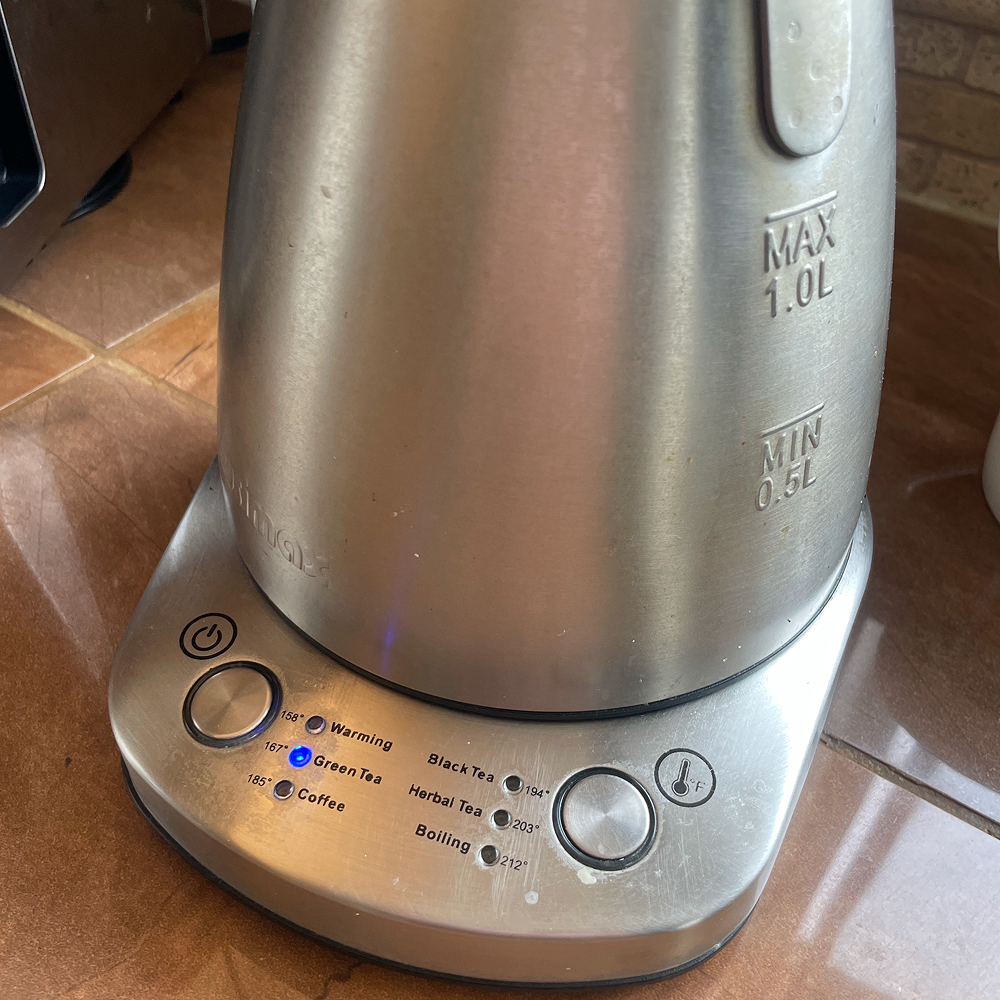
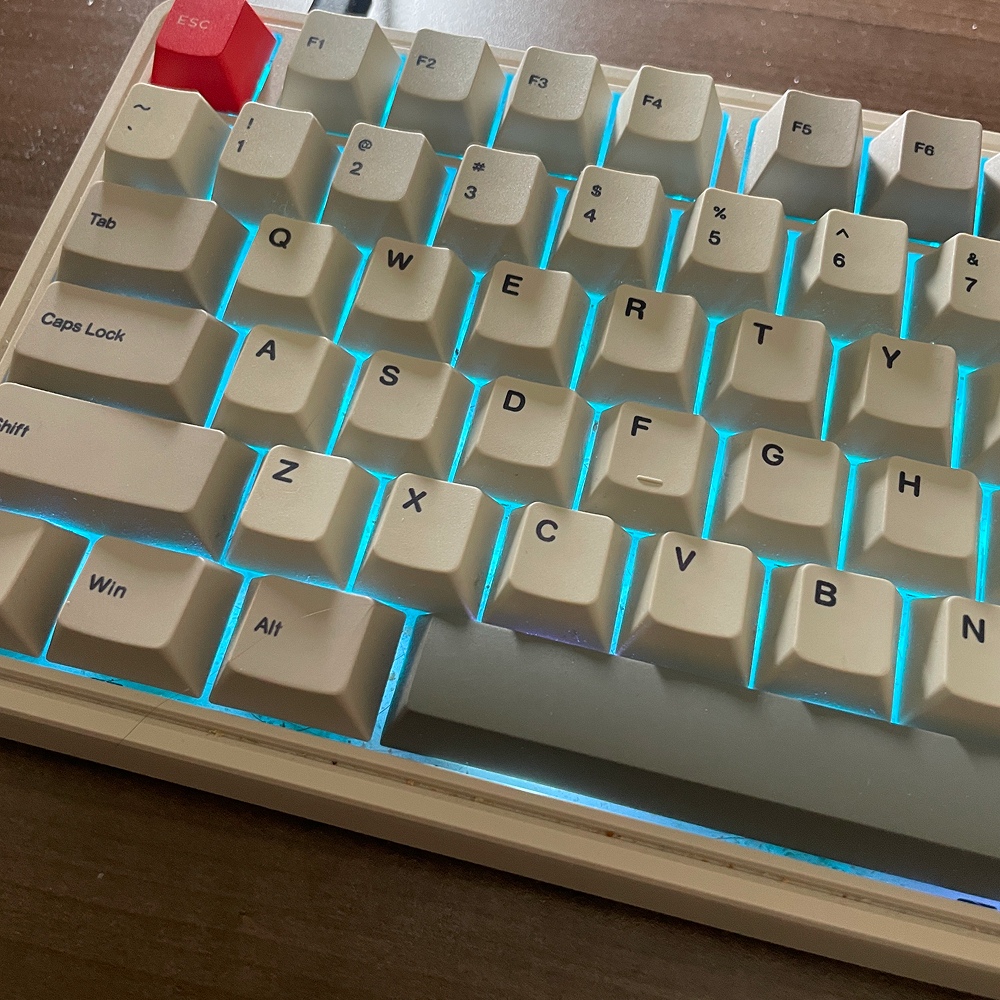
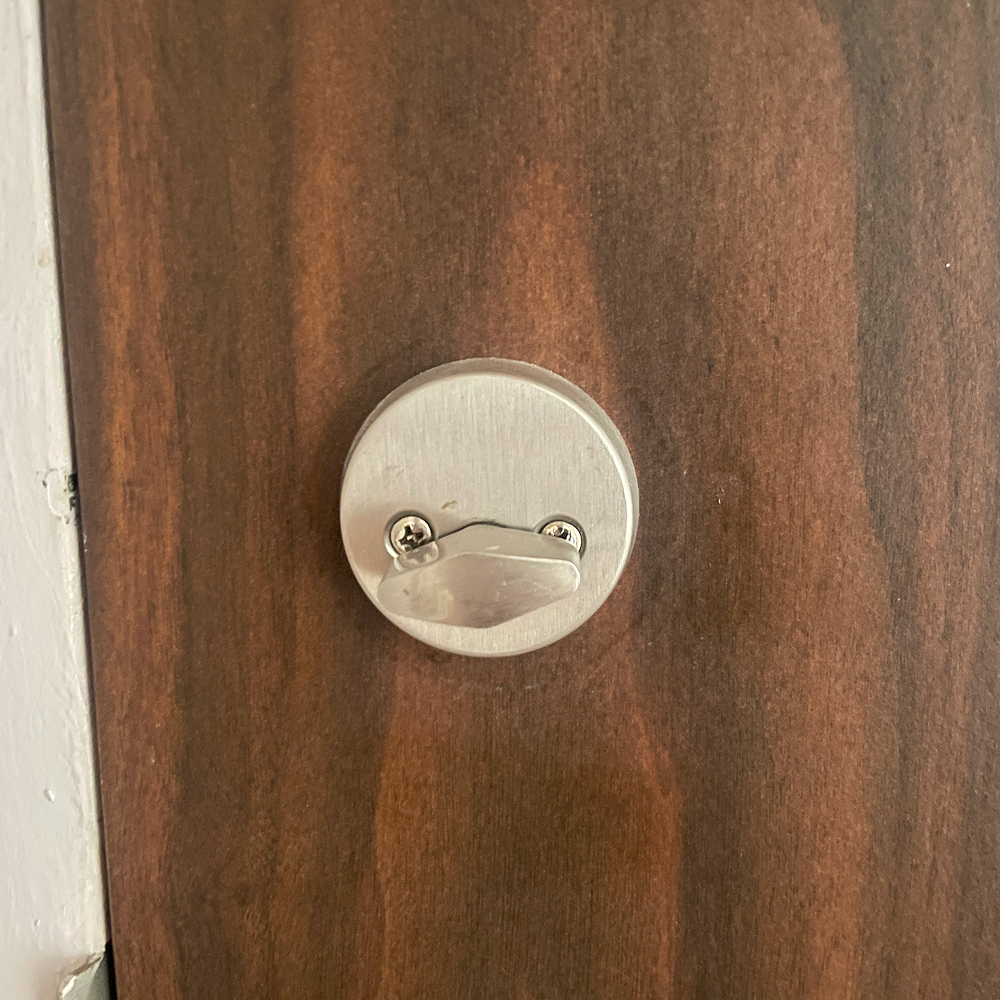
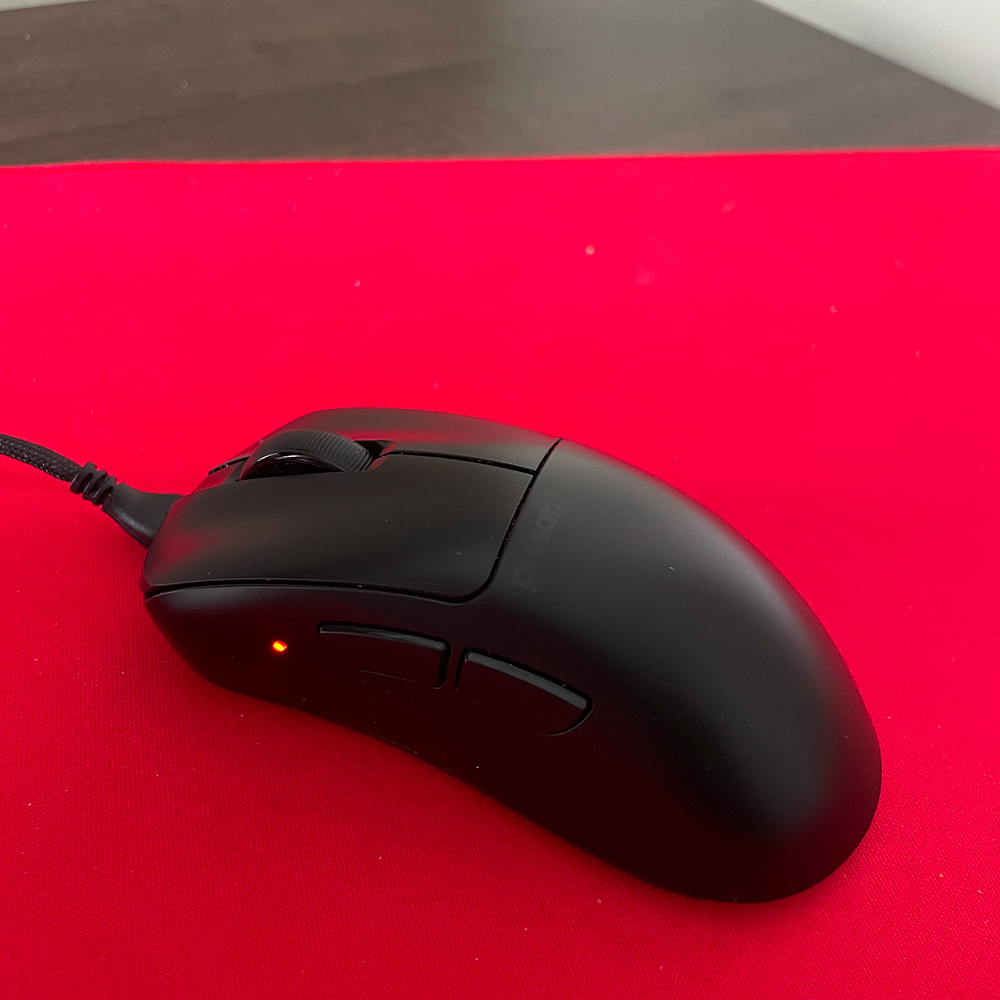
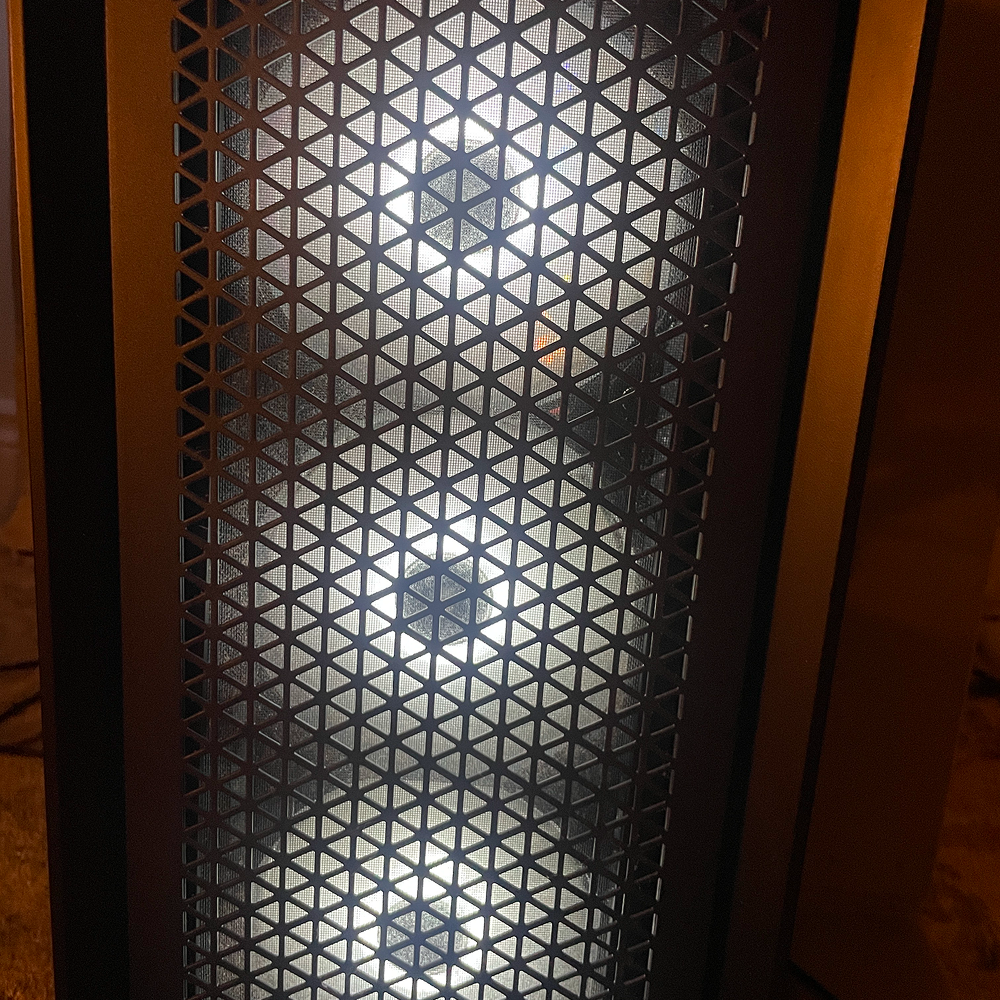
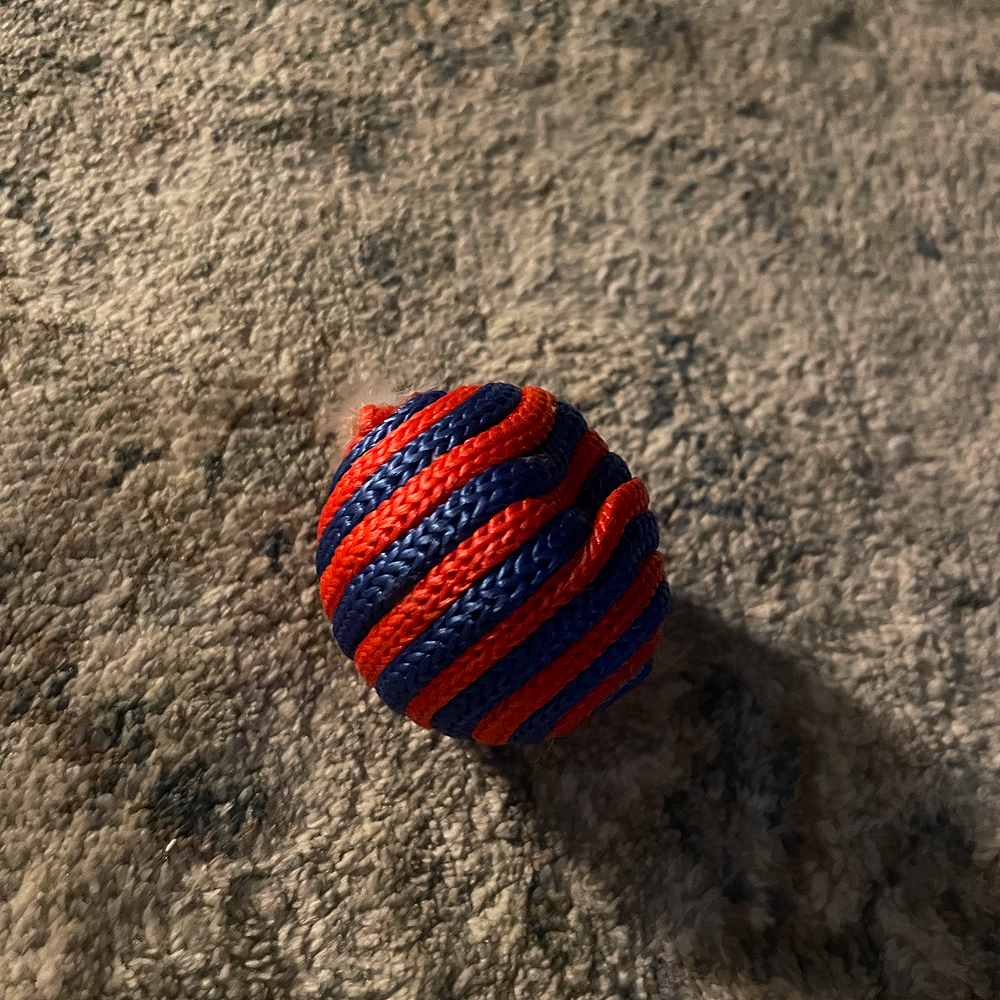
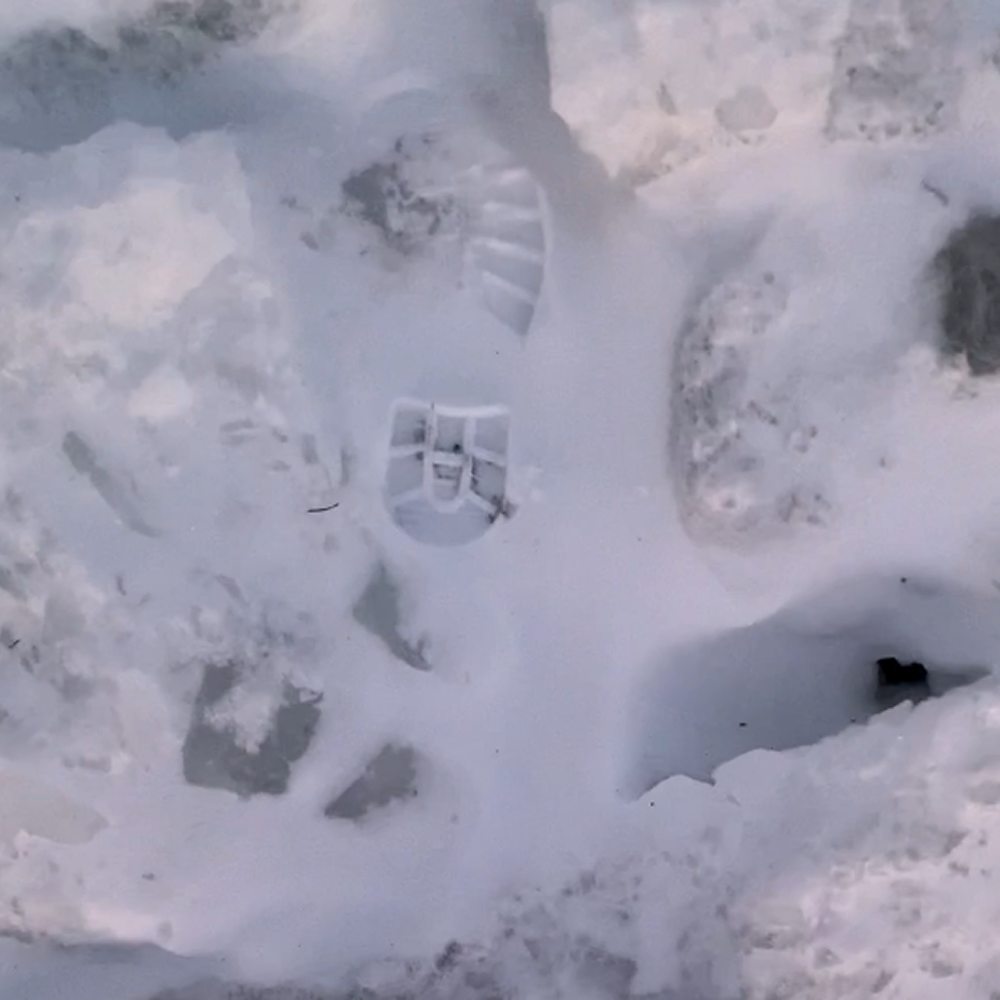
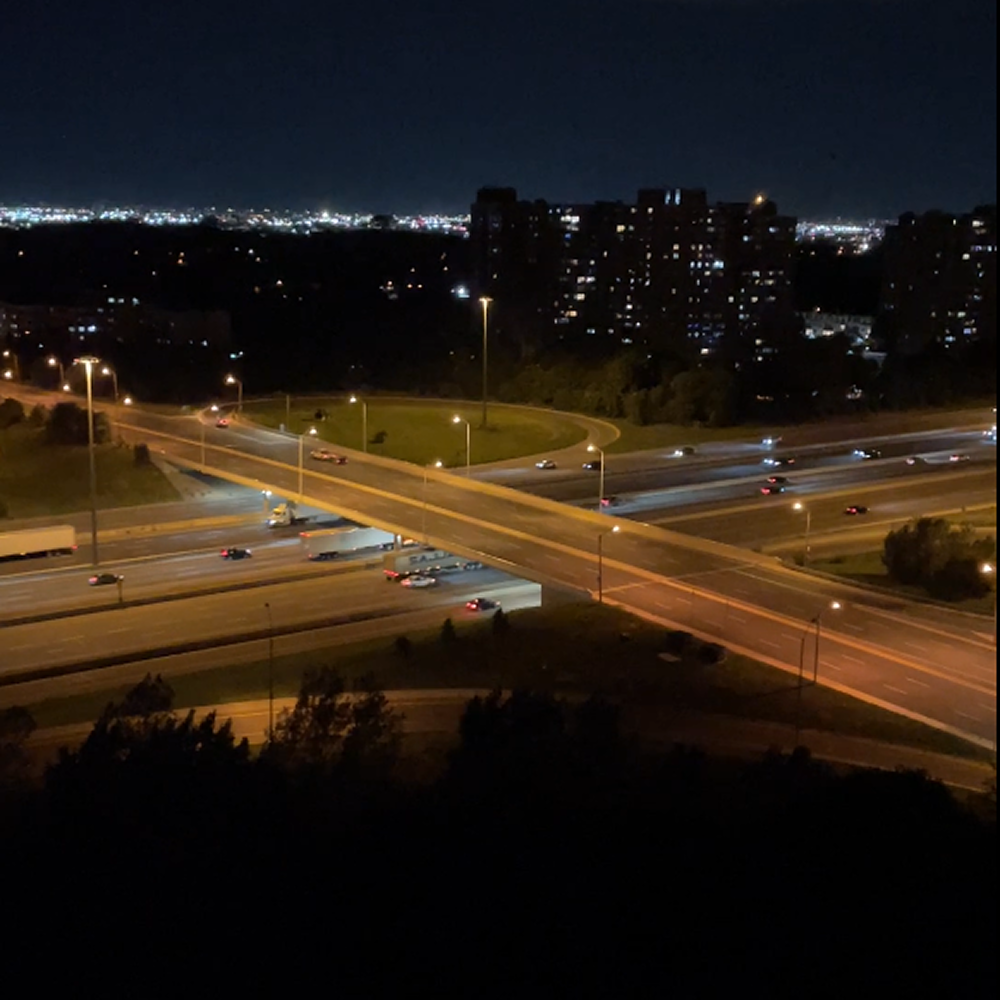
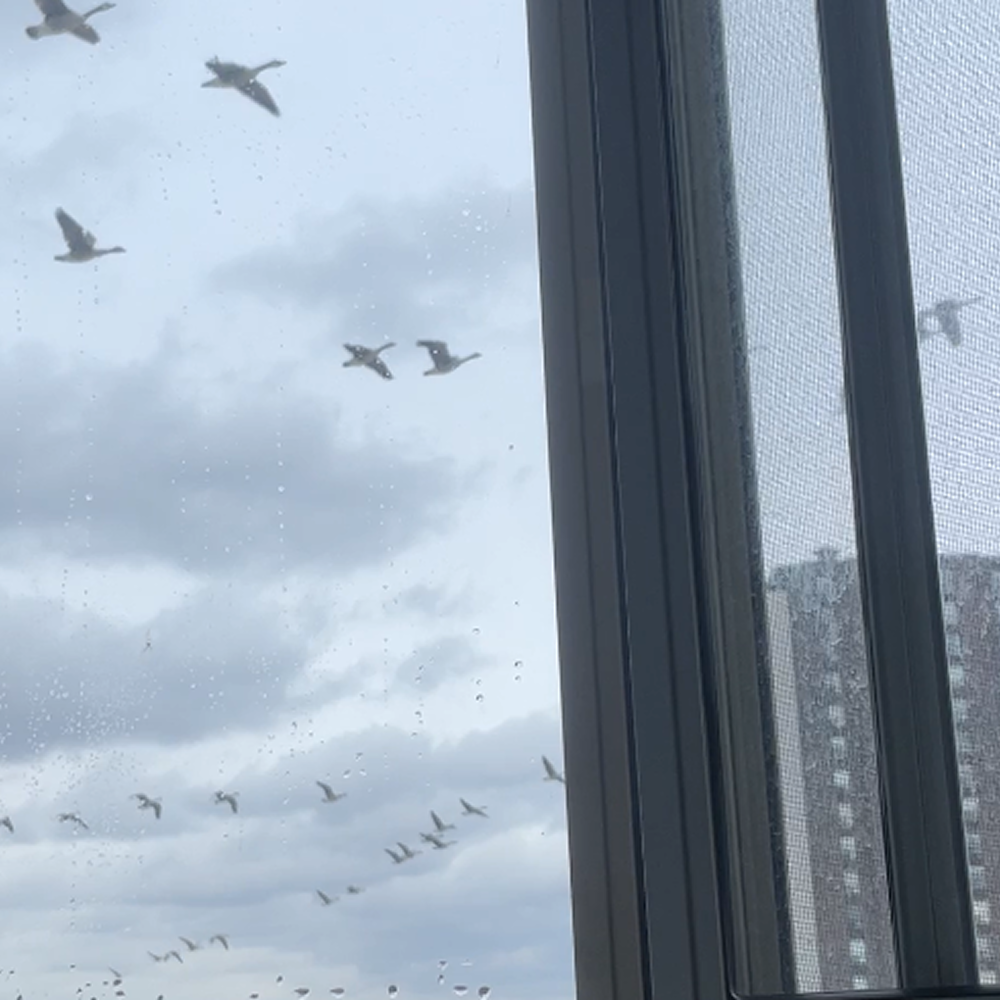
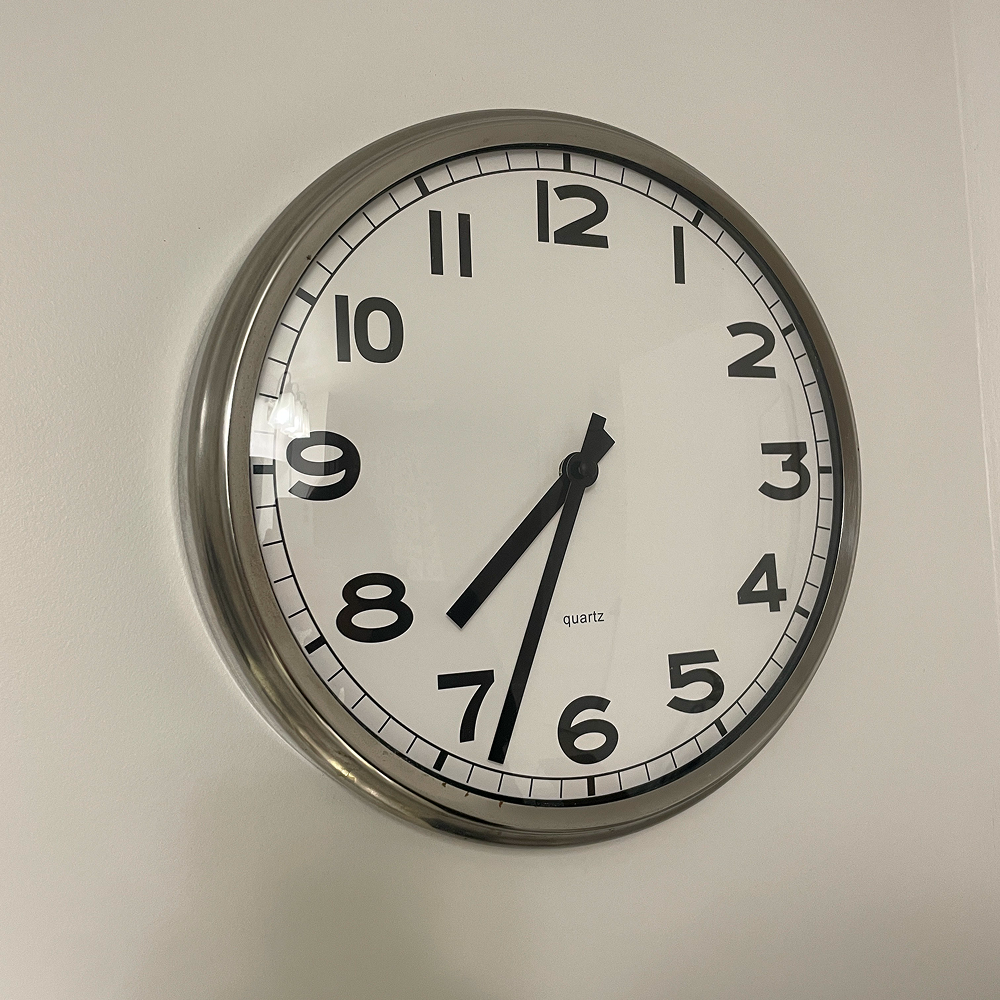
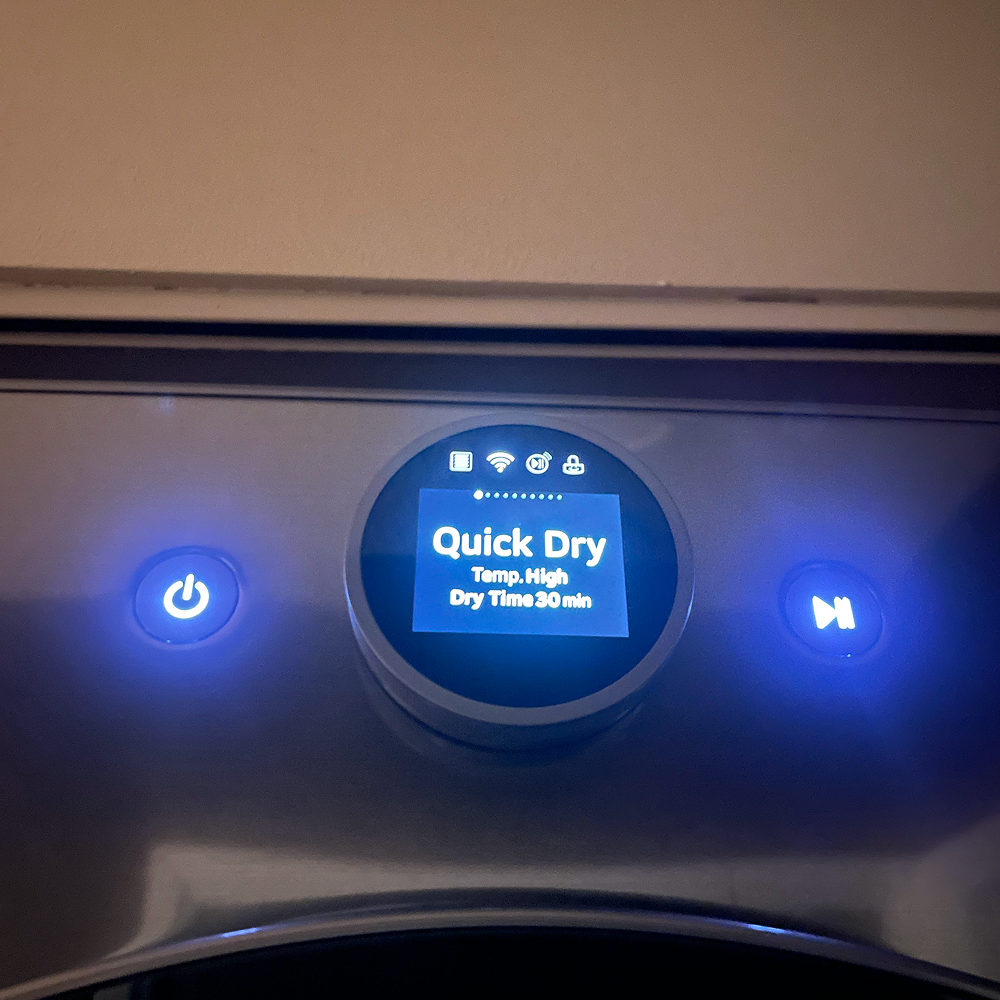
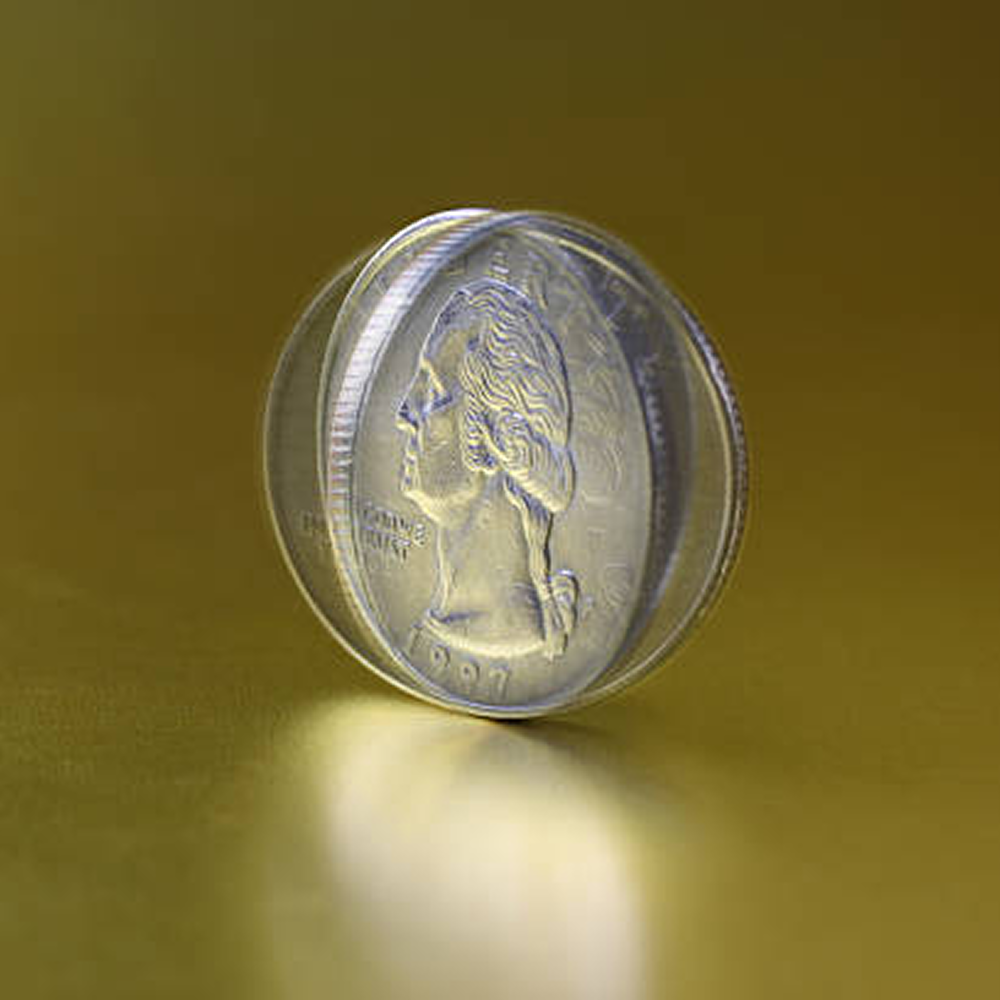
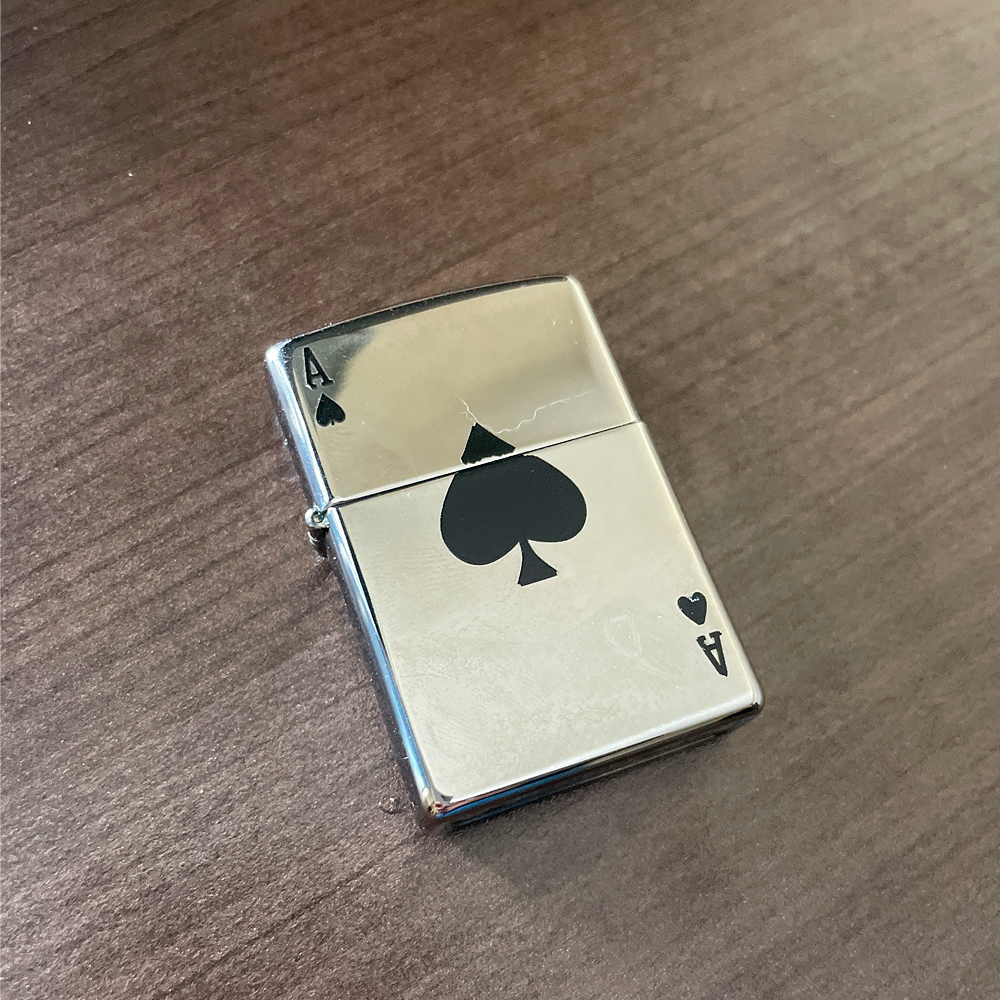
Random 3d printed plastic toy<br><audio controls src='audio/plasticgear.mp3'></audio> Camera trying to focus<br><audio controls src='audio/camera.mp3'></audio> Kettle buttons<br><audio controls src='audio/kettle.mp3'></audio> Keyboard typing<br><audio controls src='audio/keyboard.mp3'></audio> Locking the door<br><audio controls src='audio/doorlock.mp3'></audio> Crushing a water bottle<br><audio controls src='audio/bottle.mp3'></audio> Clicking a mouse<br><audio controls src='audio/mouse.mp3'></audio> Keys<br><audio controls src='audio/keys.mp3'></audio> Computer working<br><audio controls src='audio/computer.mp3'></audio> Cat toy bouncing<br><audio controls src='audio/cattoy.mp3'></audio> Me walking on ice and snow<br><audio controls src='audio/icesnow.mp3'></audio> Rooftop, sounds of traffic<br><audio controls src='audio/rooftop.mp3'></audio> Geese flying by<br><audio controls src='audio/geese.mp3'></audio> Clock ticking<br><audio controls src='audio/clock.mp3'></audio> Washing machine buttons<br><audio controls src='audio/dryermenu.mp3'></audio> Rainfall<br> https://www.tayvalleytwp.ca/24-08-16---Heavy-Rain.jpg <audio controls src='audio/rain.mp3'></audio> Crowd clapping <br> https://pixabay.com/sound-effects/search/applause/ <br> https://www.onstageblog.com/columns/2025/6/27/why-do-we-clap-for-that-the-strange-wonderful-things-theatre-audiences-will-always-applaud<br><audio controls src='audio/applause.mp3'></audio> River <br> https://pixabay.com/sound-effects/nature-soothing-river-flow-372456/ <br> https://www.utahfoundation.org/reports/utah-priorities-2016-issue-10-environment/<br><audio controls src='audio/river.mp3'></audio> Train <br> https://pixabay.com/sound-effects/film-special-effects-train-passing-298079/ <br> https://en.wikipedia.org/wiki/Metra<br><audio controls src='audio/train.mp3'></audio> Traffic <br> https://pixabay.com/sound-effects/city-timvenu-traffic-sound-426901/ <br> https://www.wired.com/2014/06/wuwt-traffic-induced-demand/<br><audio controls src='audio/traffic.mp3'></audio> Coin spinning<br> https://pixabay.com/sound-effects/film-special-effects-spinning-coin-fx-436951/ <br> https://www.istockphoto.com/photos/coin-spin<audio controls src='audio/coin.mp3'></audio> Zippo lighter<br><audio controls src='audio/zippo.mp3'></audio> Painting<br> https://pixabay.com/sound-effects/film-special-effects-paint-brush-2-43169/ <br> https://encrypted-tbn1.gstatic.com/images?q=tbn:ANd9GcTLwaXaU_Nm6TiT08p4C5kIuvMQ4nSupSg7NxYCFWF8E76dRYXs<audio controls src='audio/paintbrush.mp3'></audio> Spray can<br> https://pixabay.com/sound-effects/film-special-effects-spray-paint-rattle-and-spray-339262/ <br> https://m.media-amazon.com/images/S/aplus-media-library-service-media/385b1d29-8e83-42d5-8537-f3846ff21a1f.__CR0,0,462,462_PT0_SX220_V1___.jpg<audio controls src='audio/spraypaint.mp3'></audio> Film reel<br> https://pixabay.com/sound-effects/technology-35mm-film-projector-start-99740/ <br> https://assets.entrepreneur.com/content/3x2/2000/20181203134855-movie.jpeg?format=pjeg&auto=webp&crop=4:3<audio controls src='audio/filmreel.mp3'></audio>

Activity 2
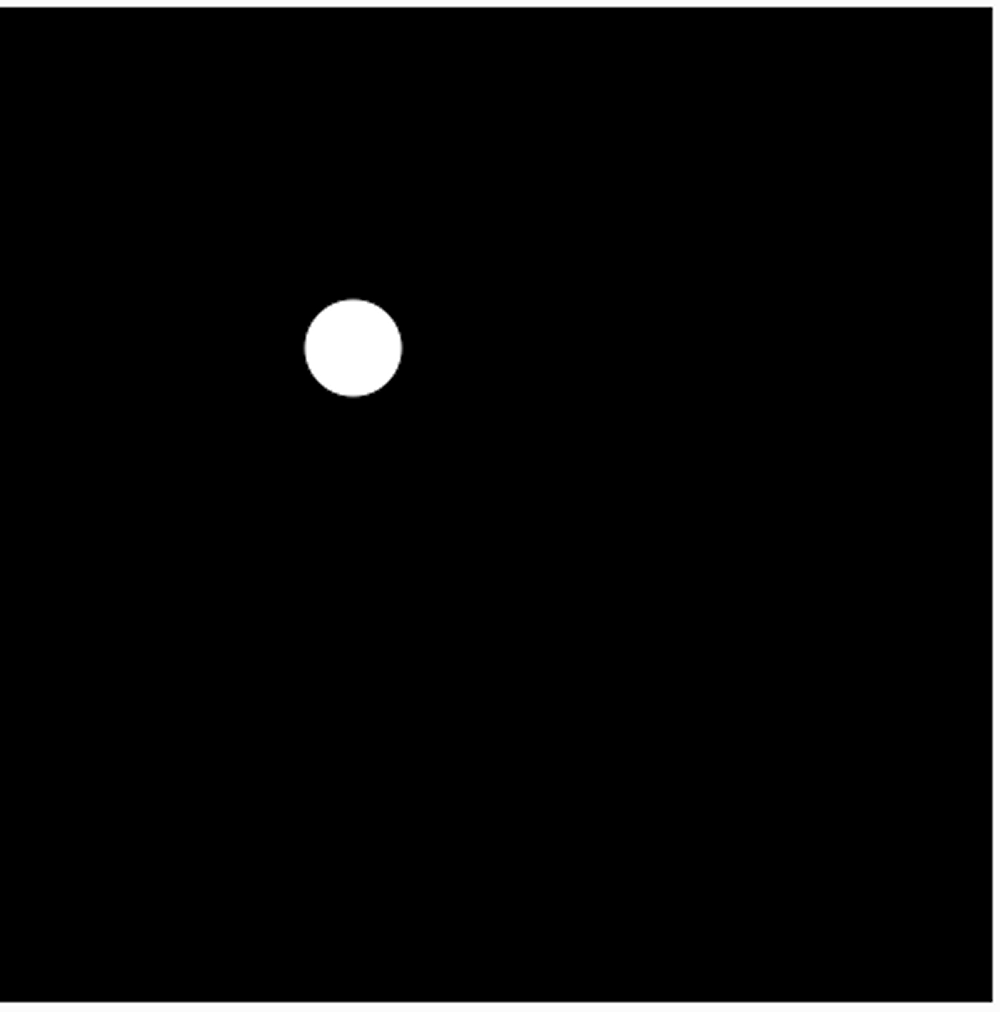
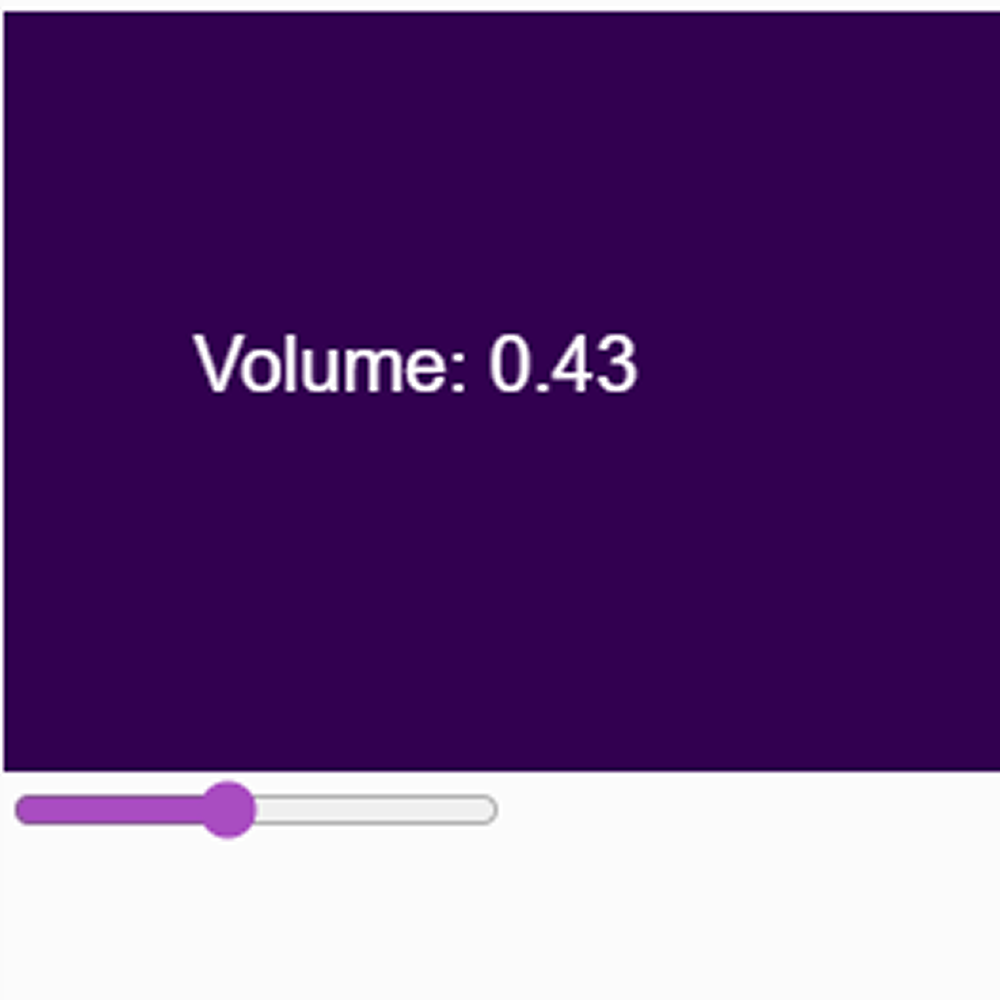
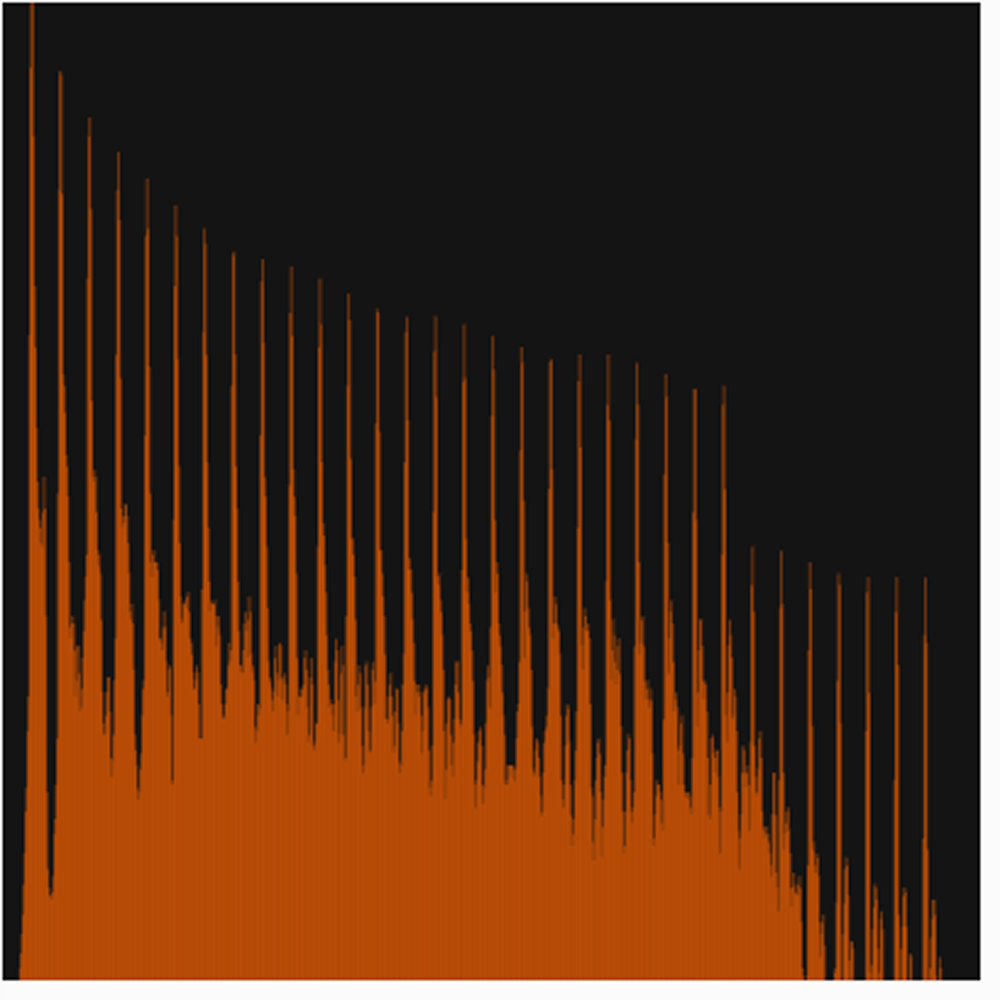
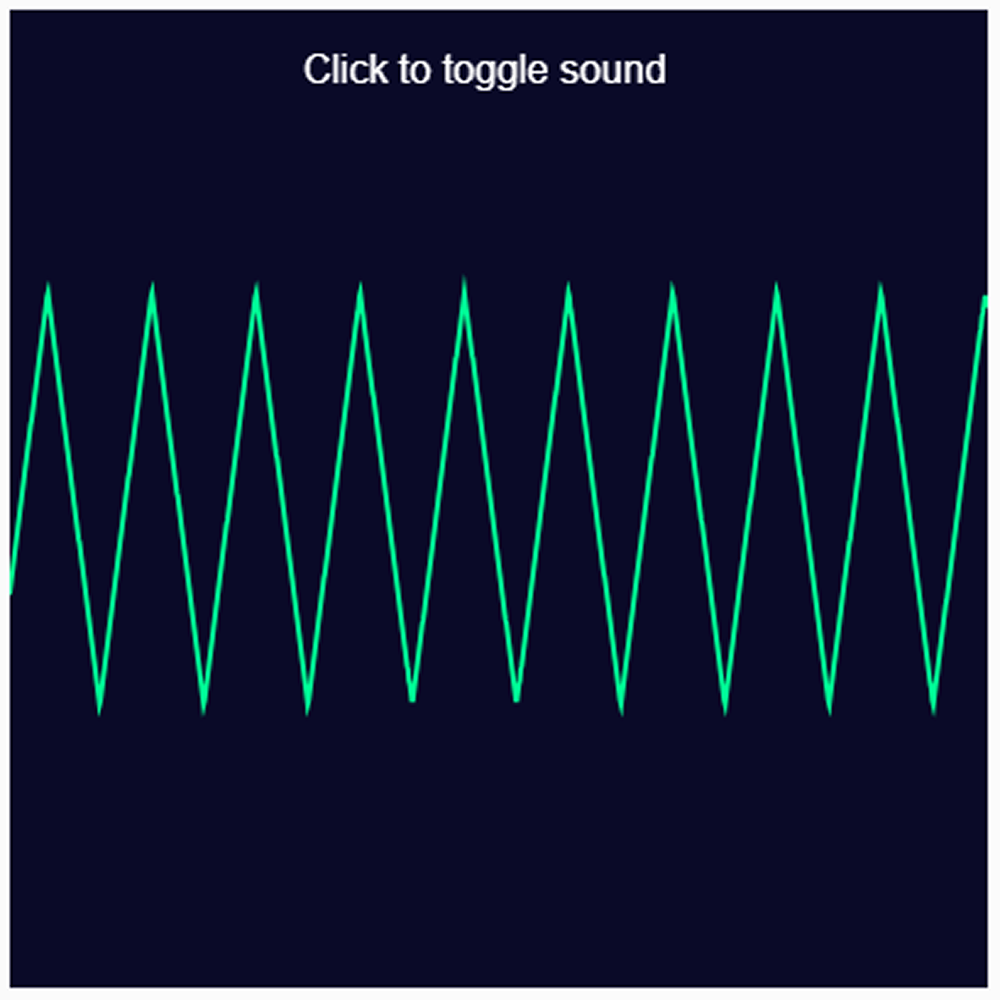
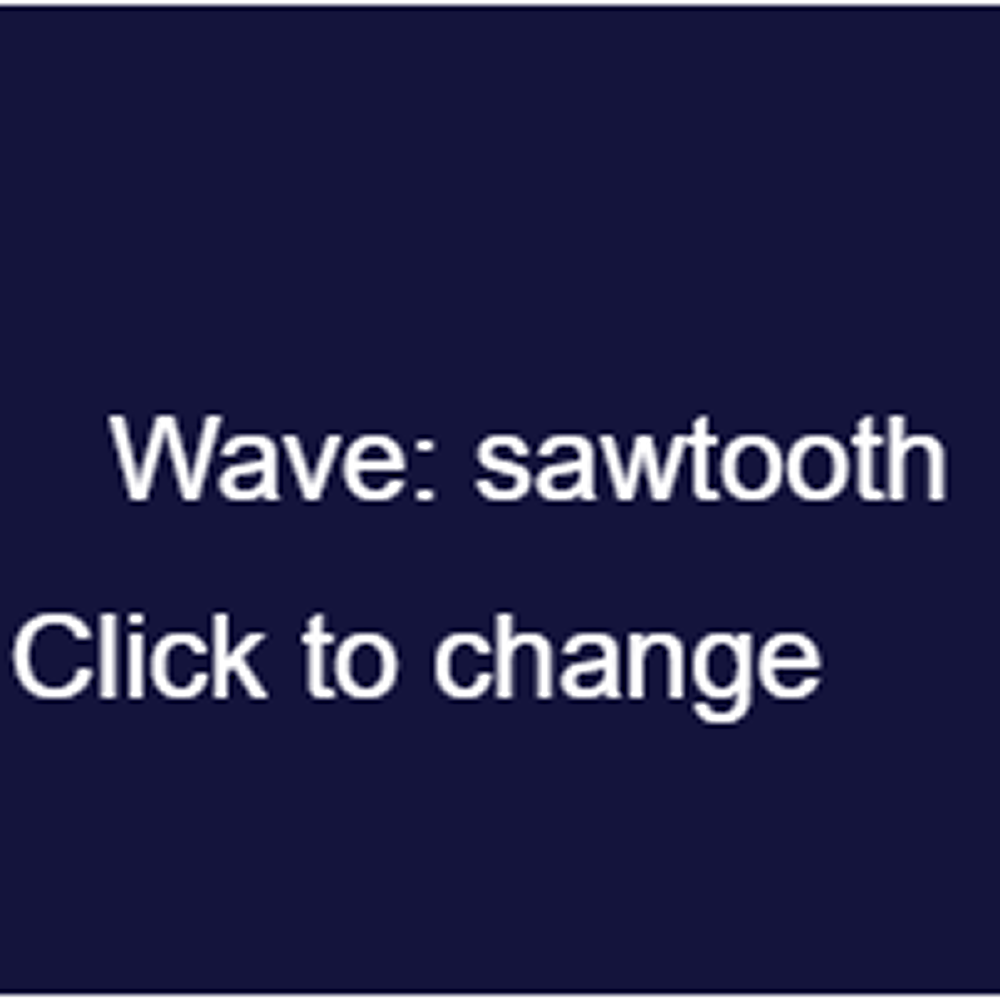
<a href='https://editor.p5js.org/afwsaf/full/VaoT8DYrm' target='_blank'>Open Sketch</a> This sketch uses a slider to control the volume of a sine wave oscillator. The purple background displays the current volume as a decimal number that updates in real time as you drag the slider. <a href='https://editor.p5js.org/afwsaf/full/sAySfzjIE' target='_blank'>Open Sketch This sketch visualizes sound frequencies as orange bars rising from the bottom of a black canvas. Moving your mouse left and right changes the pitch of the sawtooth wave and you can see the frequency spectrum shift across the screen./a>  <a href='https://editor.p5js.org/afwsaf/full/Pp3HGkI6X' target='_blank'>Open Sketch Clicking the canvas turns a triangle wave on and off while the waveform is drawn as a bright green zigzag line across the dark background. The sharp peaks of the triangle wave are clearly visible in the shape of the line.</a>  <a href='https://editor.p5js.org/afwsaf/full/u7R-5LXJP' target='_blank'>Open Sketch A white circle follows your mouse around the black canvas while the oscillator plays a tone based on where your cursor is. Moving left lowers the pitch and moving up lowers the volume, making the dot nearly silent near the top.</a>  <a href='https://editor.p5js.org/afwsaf/full/6ymchPRaH' target='_blank'>Open Sketch Each click of the canvas cycles through four different wave types: sine, triangle, square and sawtooth. The screen displays which wave is currently playing and each one sounds noticeably different from the others. Sonnet 4.6</a> <a href='https://editor.p5js.org/afwsaf/full/cj-0dEqzz' target='_blank'>Open Sketch</a> A red pink circle bounces up and down on its own across the dark canvas. The pitch of the sine wave changes depending on how high or low the ball is, getting higher as it rises and lower as it falls.
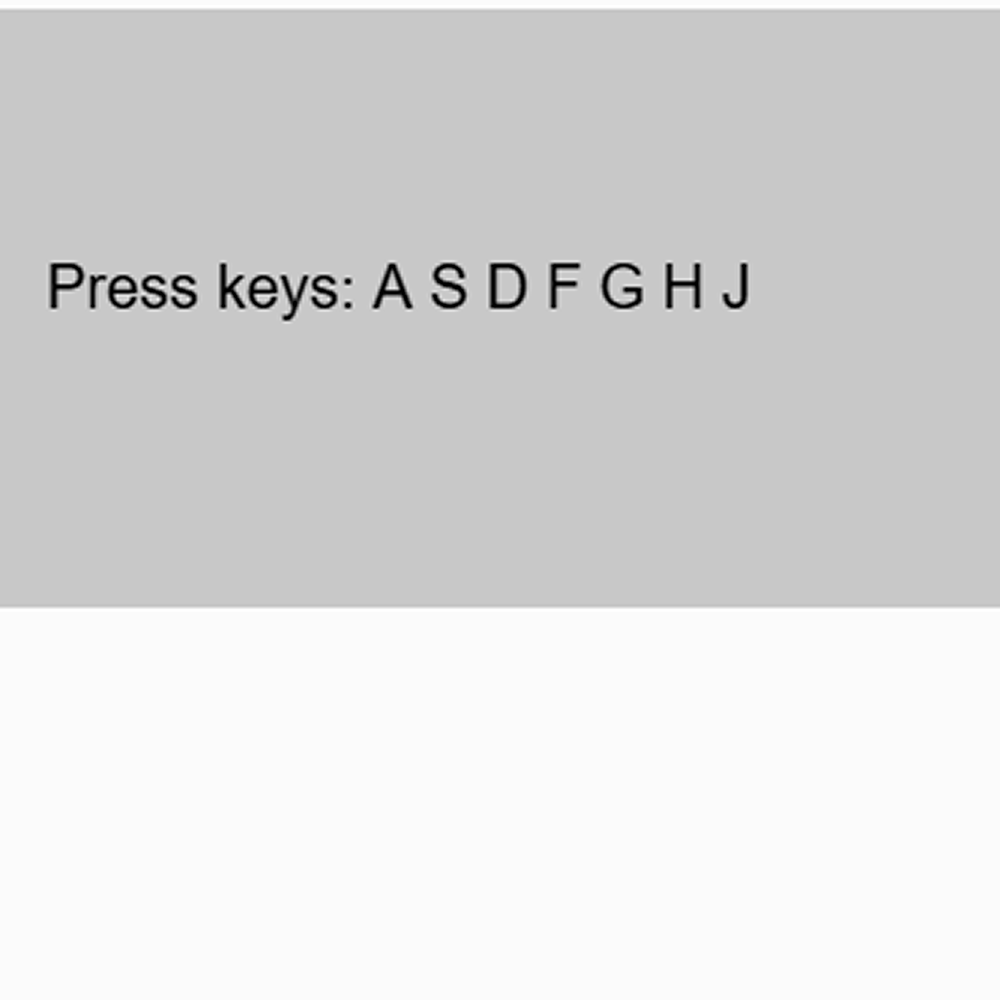
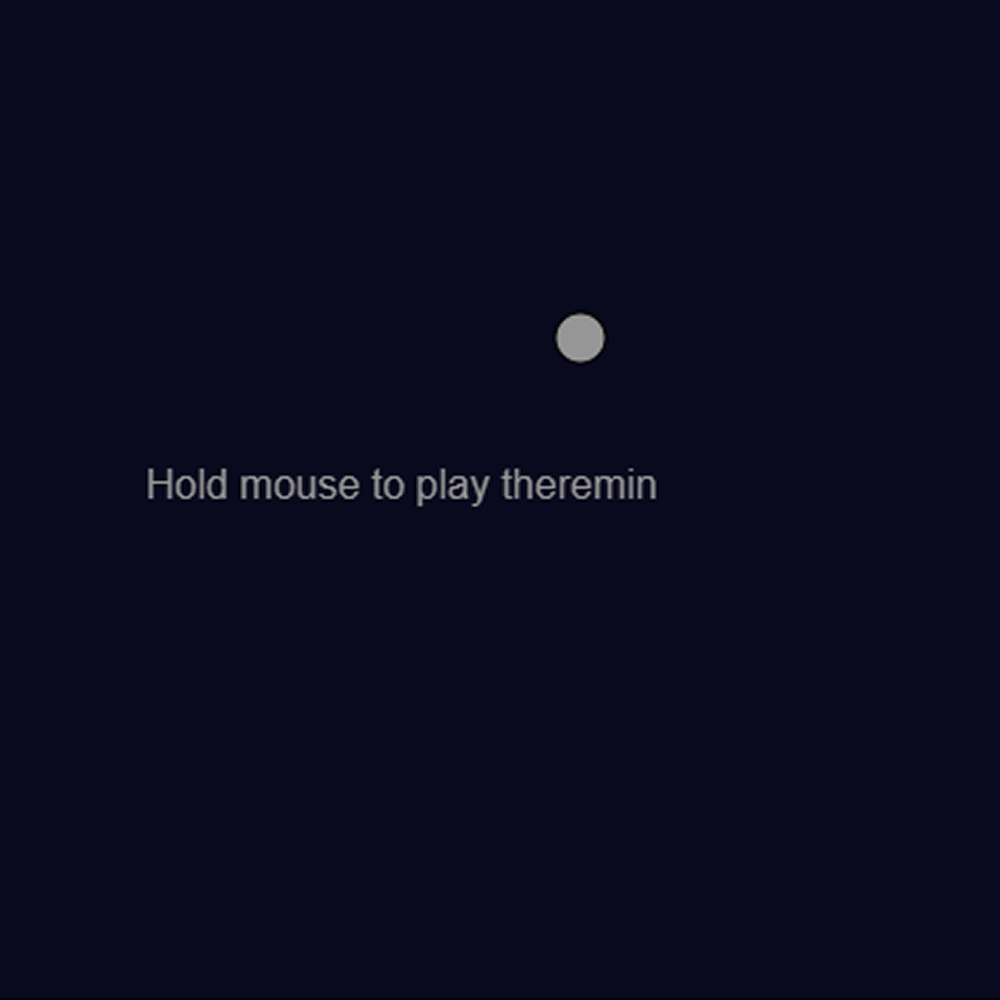
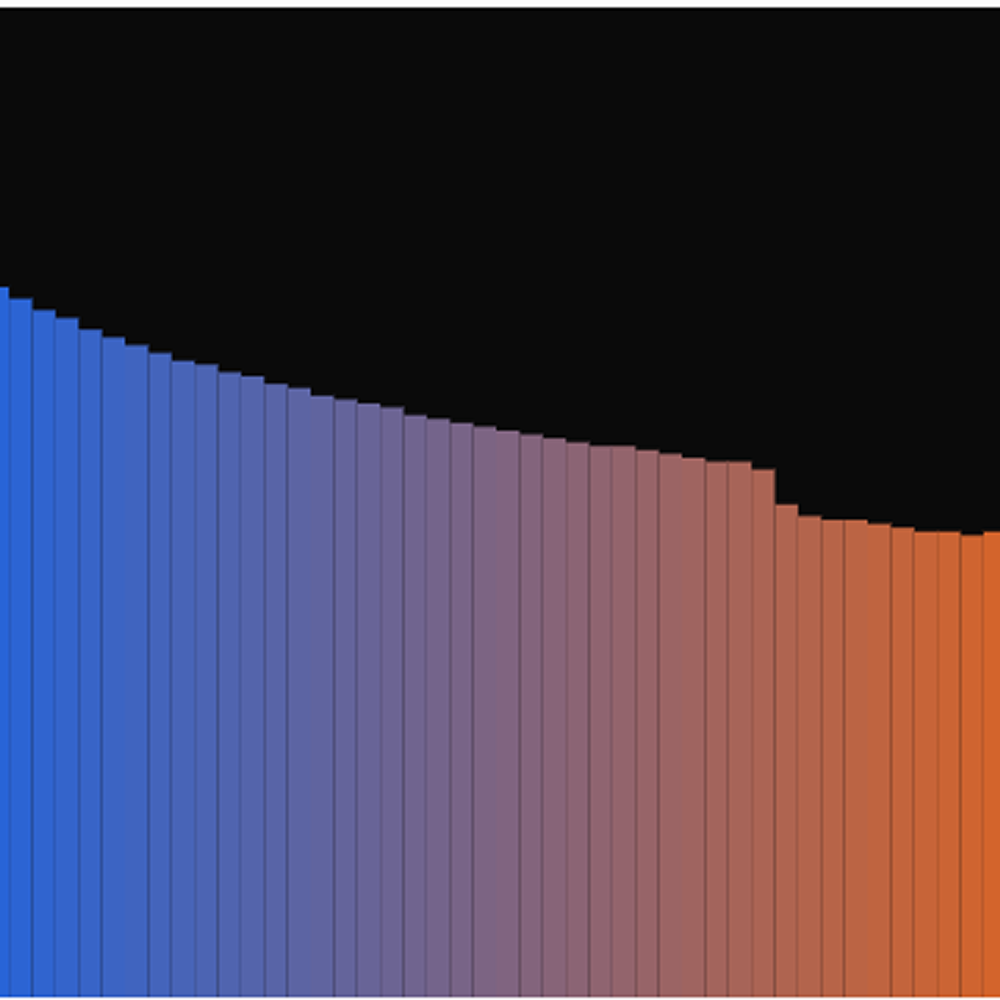
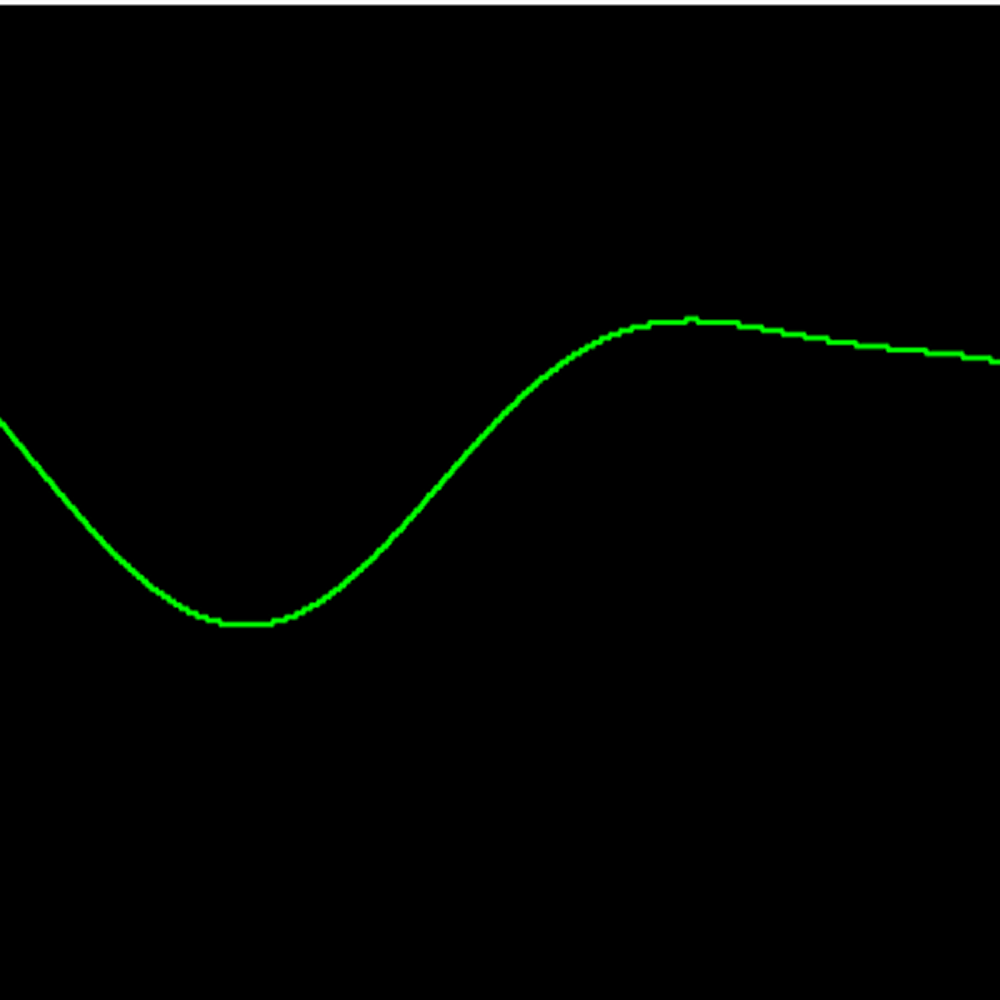
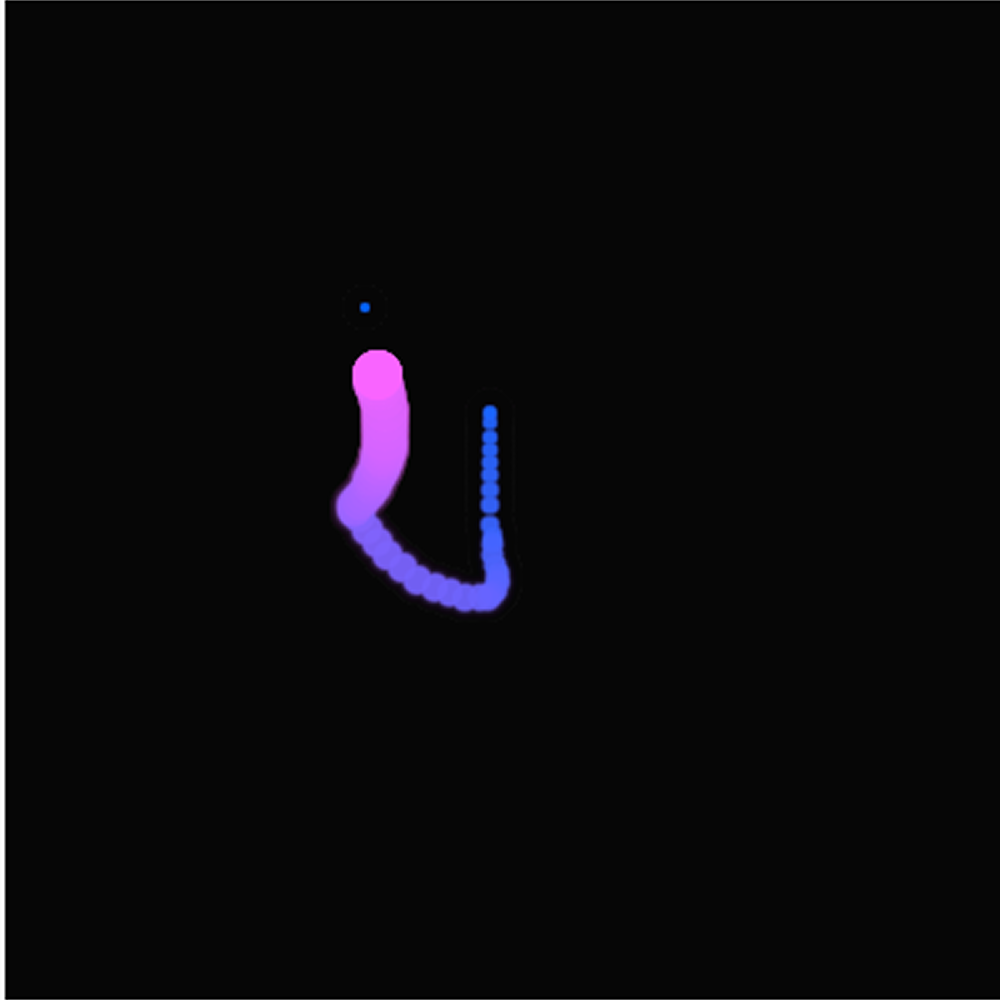
<a href='https://editor.p5js.org/afwsaf/full/I9QR1Eedm' target='_blank'>Open Sketch</a> This sketch turns your keyboard into a simple piano using the keys A S D F G H J. Each key plays a different musical note and the sound stops as soon as you release the key.  <a href='https://editor.p5js.org/afwsaf/full/6cPPKOVup' target='_blank'>Open Sketch</a> Hold down the mouse button and drag it around the dark canvas to play a theremin style instrument. Moving left and right changes the pitch while moving up and down controls the volume.  <a href='https://editor.p5js.org/afwsaf/full/trlhG_Vw0' target='_blank'>Open Sketch</a> This sketch shows the frequency spectrum of a sawtooth wave as colorful bars that shift from blue to orange across the canvas. Moving your mouse left and right changes the pitch and the bars react instantly to show the change.  <a href='https://editor.p5js.org/afwsaf/full/j7bROrRdf' target='_blank'>Open Sketch</a> A slider at the bottom controls the volume of white noise playing in the background. The current volume level is displayed as a number on the black screen and updates in real time as you drag the slider. <a href='https://editor.p5js.org/afwsaf/full/NXvRRj9pY' target='_blank'>Open Sketch</a> Clicking the canvas triggers a short square wave tone that echoes and fades out using a delay effect. The repeat of the sound gets quieter each time just like a real audio delay pedal would sound. <a href='https://editor.p5js.org/afwsaf/full/f4hGVPWaE' target='_blank'>Open Sketch</a> After clicking to start the mic, this sketch draws the live audio waveform as a smooth green line across the black canvas. The line moves and curves in real time based on the sounds picked up by your microphone.  <a href='https://editor.p5js.org/afwsaf/full/f4hGVPWaE' target='_blank'>Open Sketch</a> This sketch listens to your microphone and displays the frequencies as bars that shift from red to purple across the bottom of the screen. The louder and more complex the sound, the more bars light up and rise higher.  <a href='https://editor.p5js.org/afwsaf/full/NGOAWJQXS' target='_blank'>Open Sketch</a> Holding the mouse down and dragging it creates a glowing pink and blue dotted trail across the black canvas. The position of your mouse controls both the pitch and volume of the sine wave playing in the background.  <a href='https://editor.p5js.org/afwsaf/full/NGOAWJQXS' target='_blank'>Open Sketch</a> 
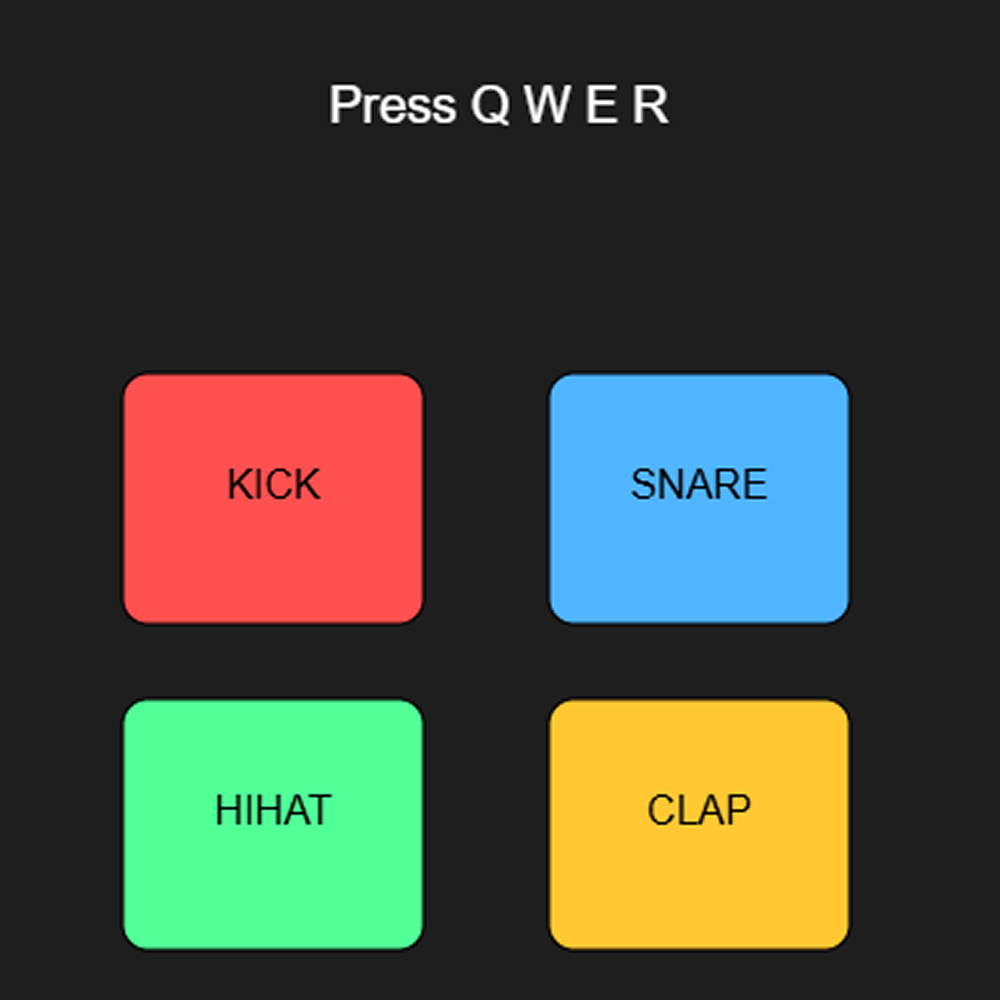
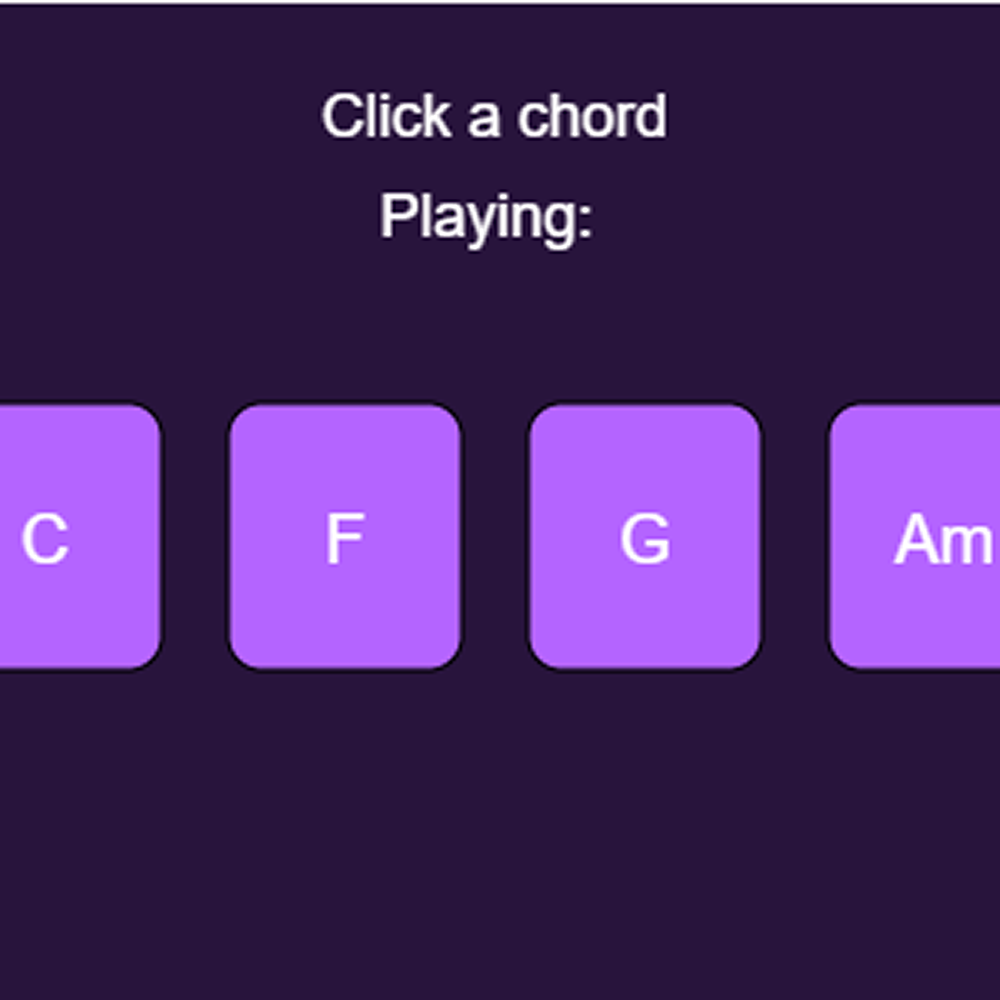
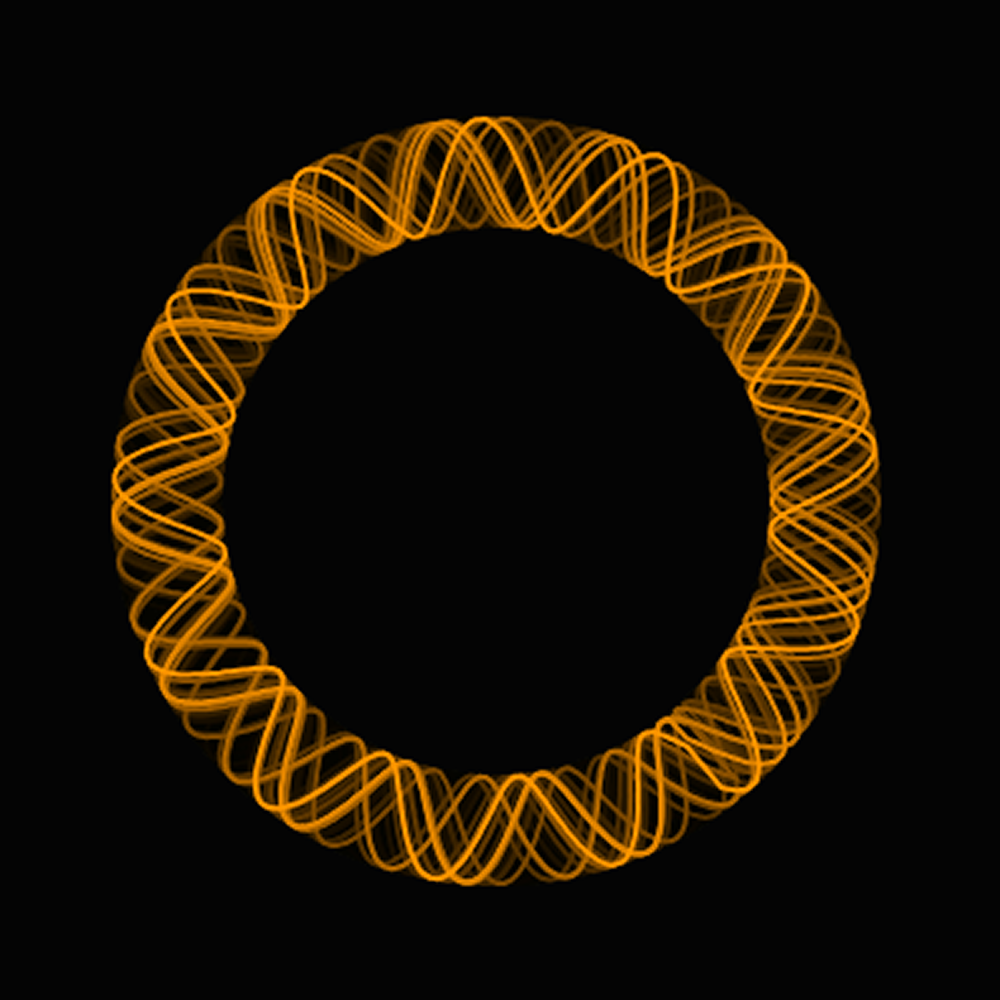
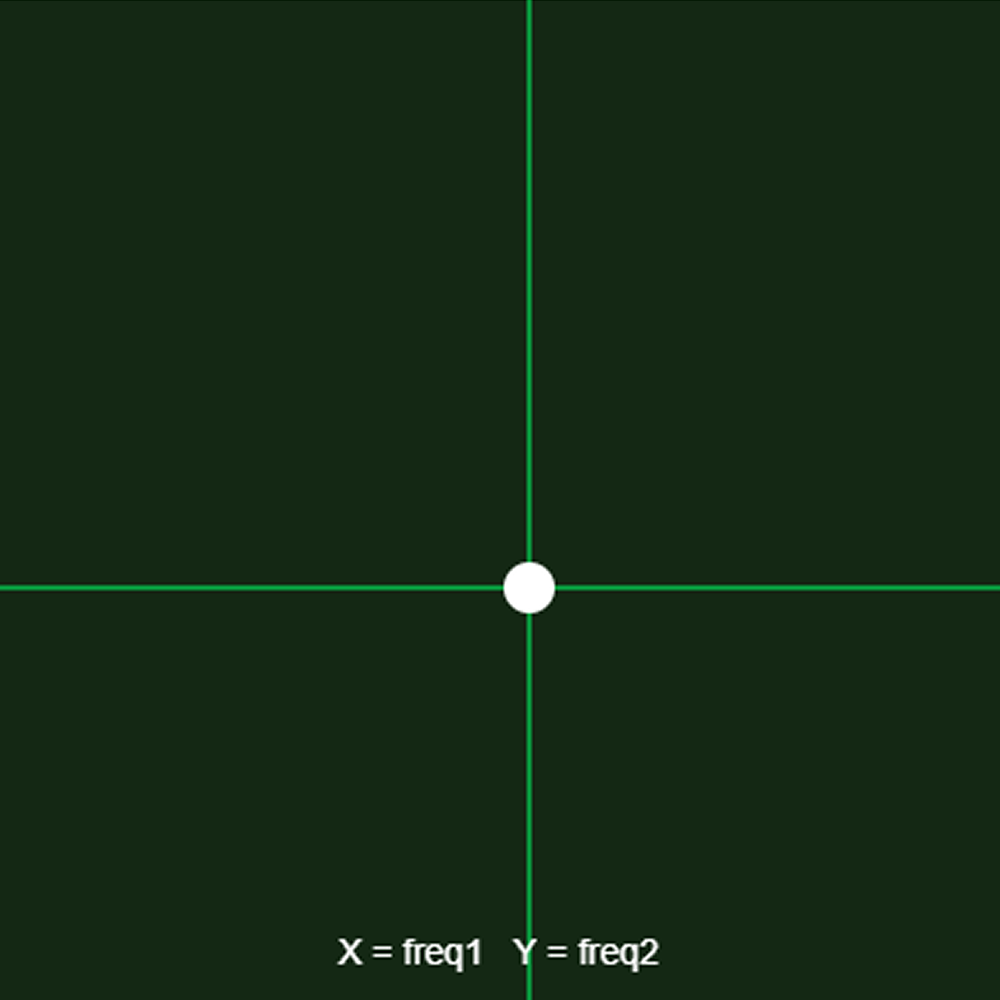
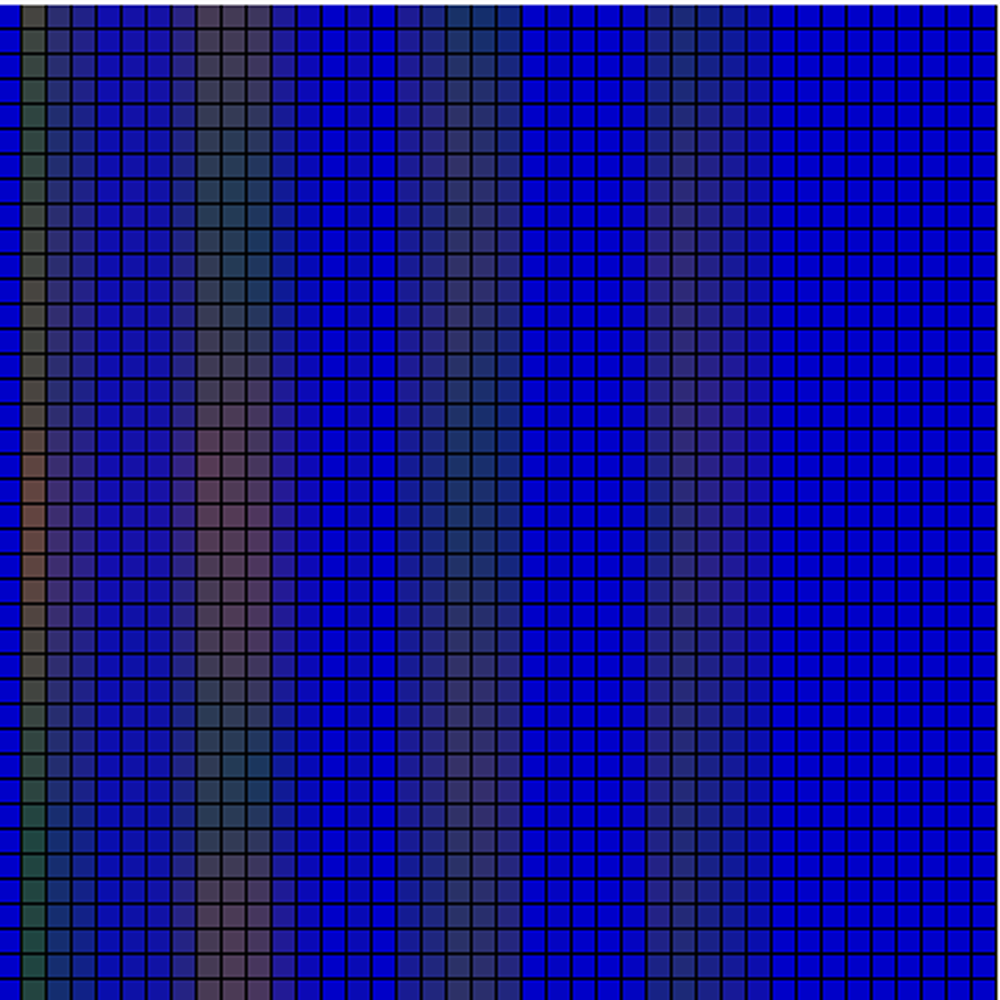
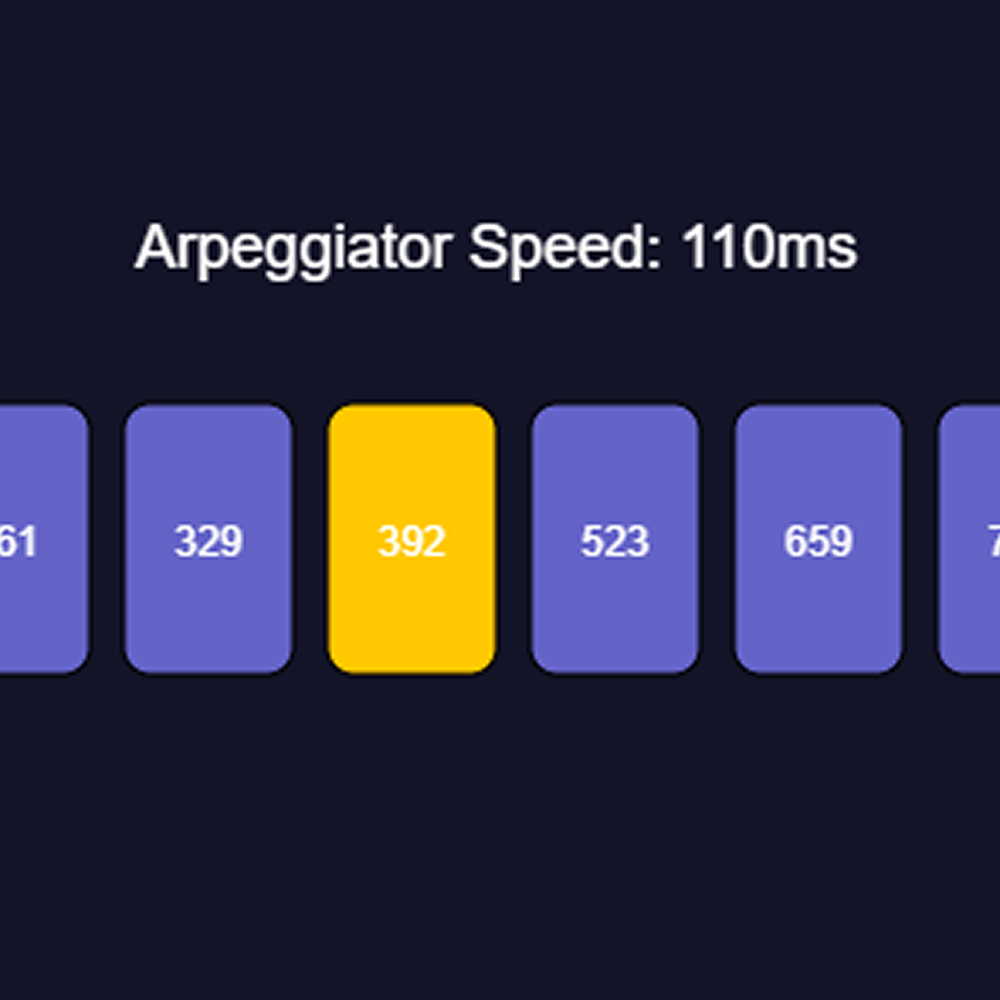
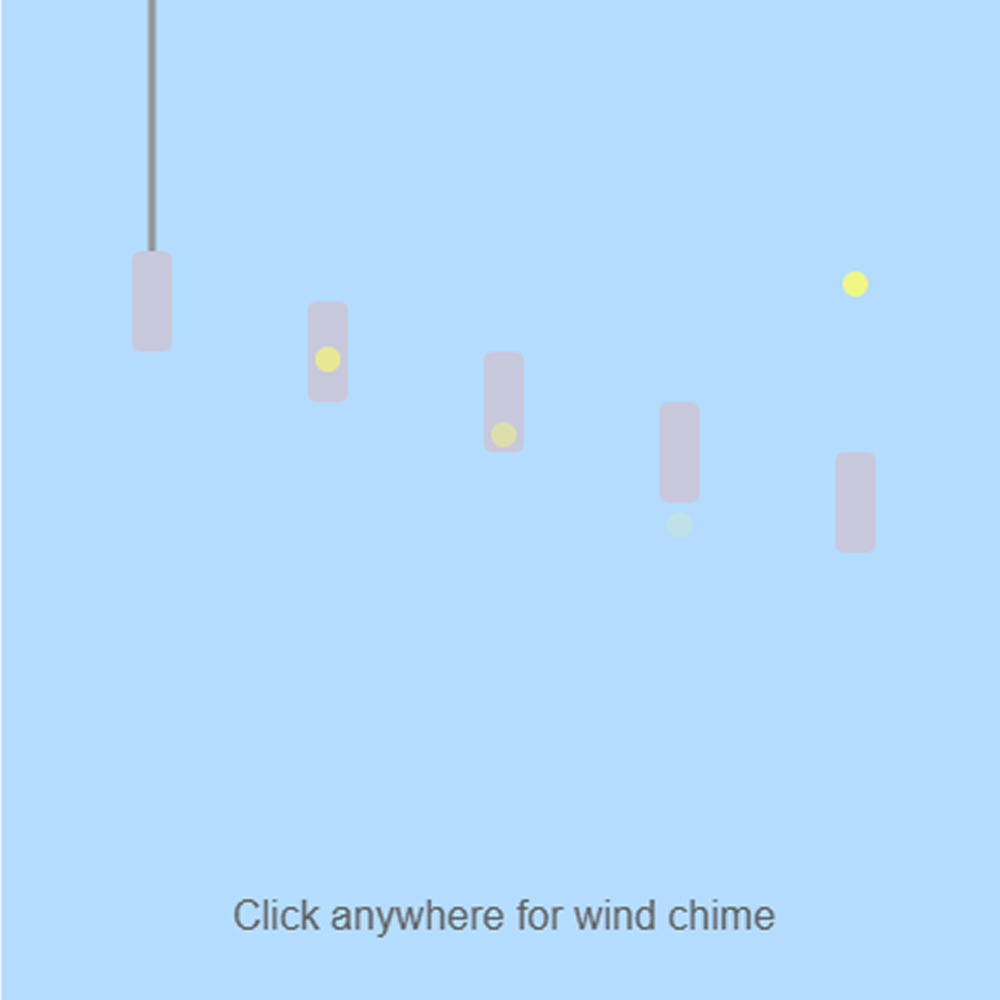
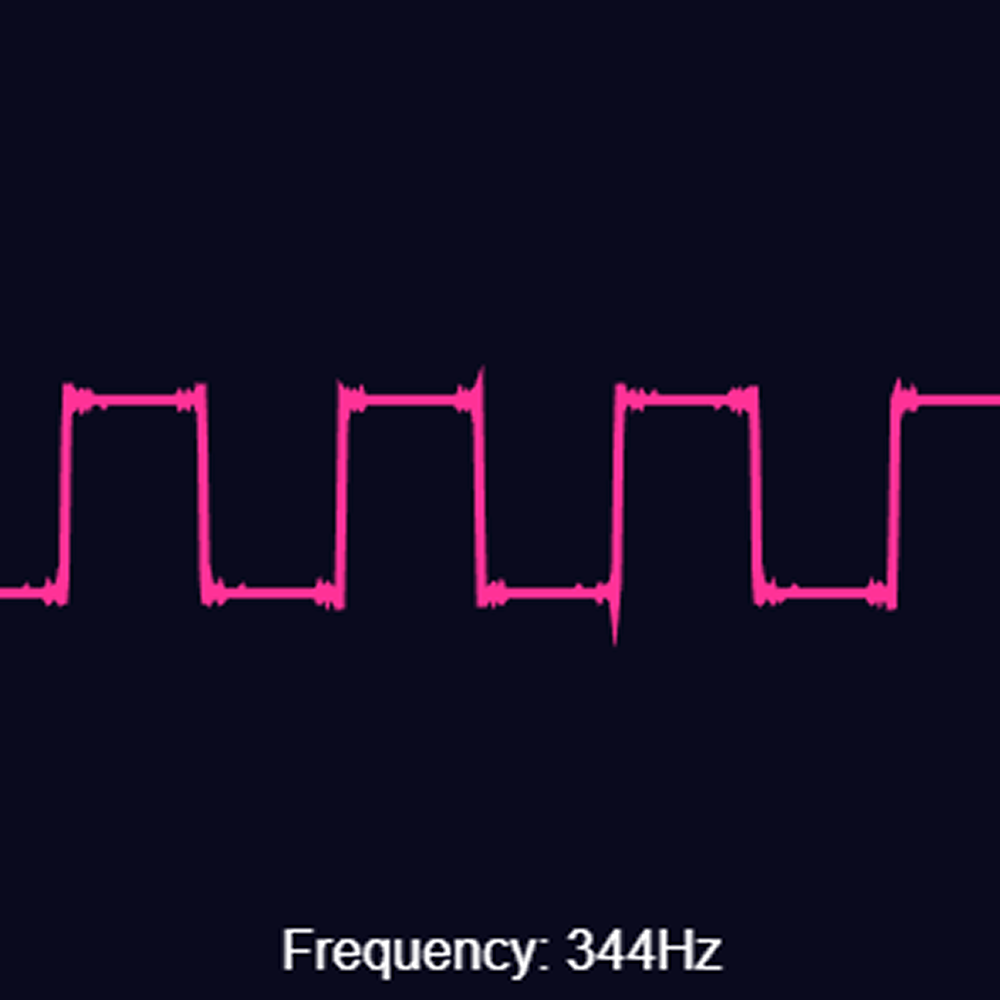
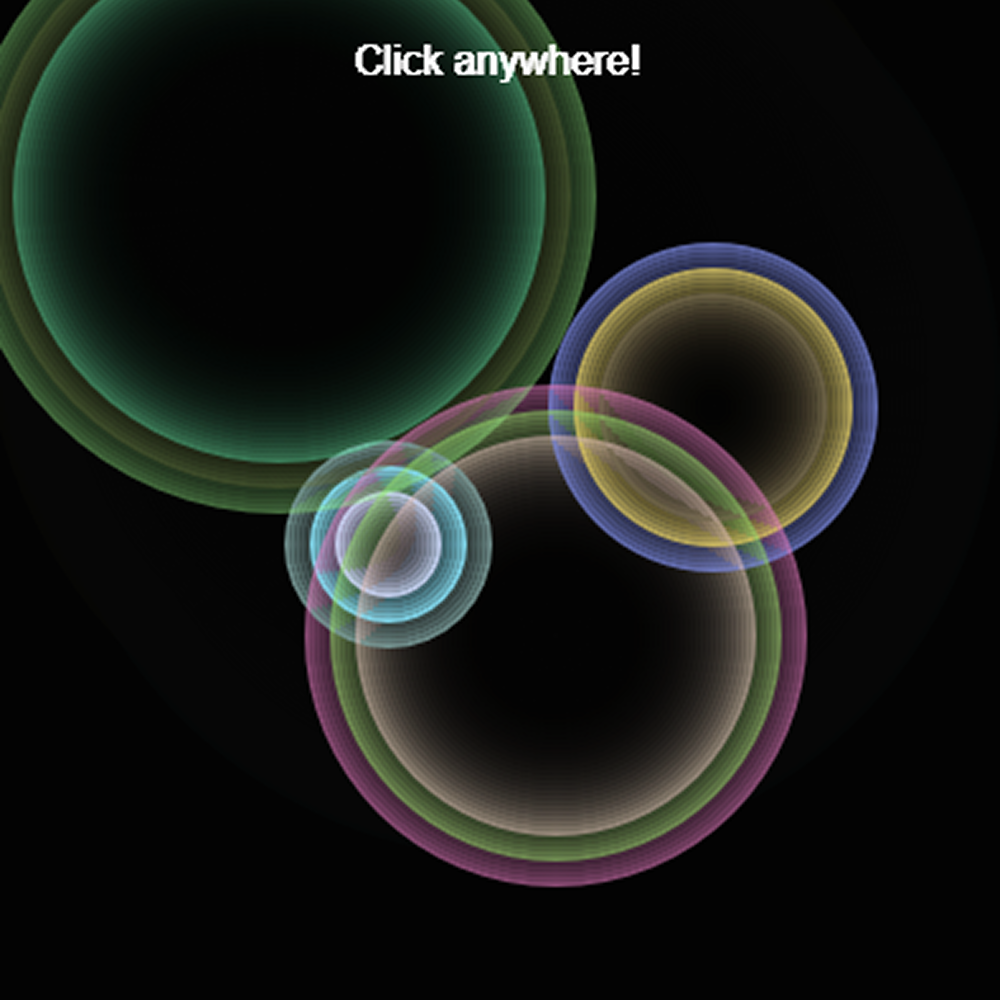
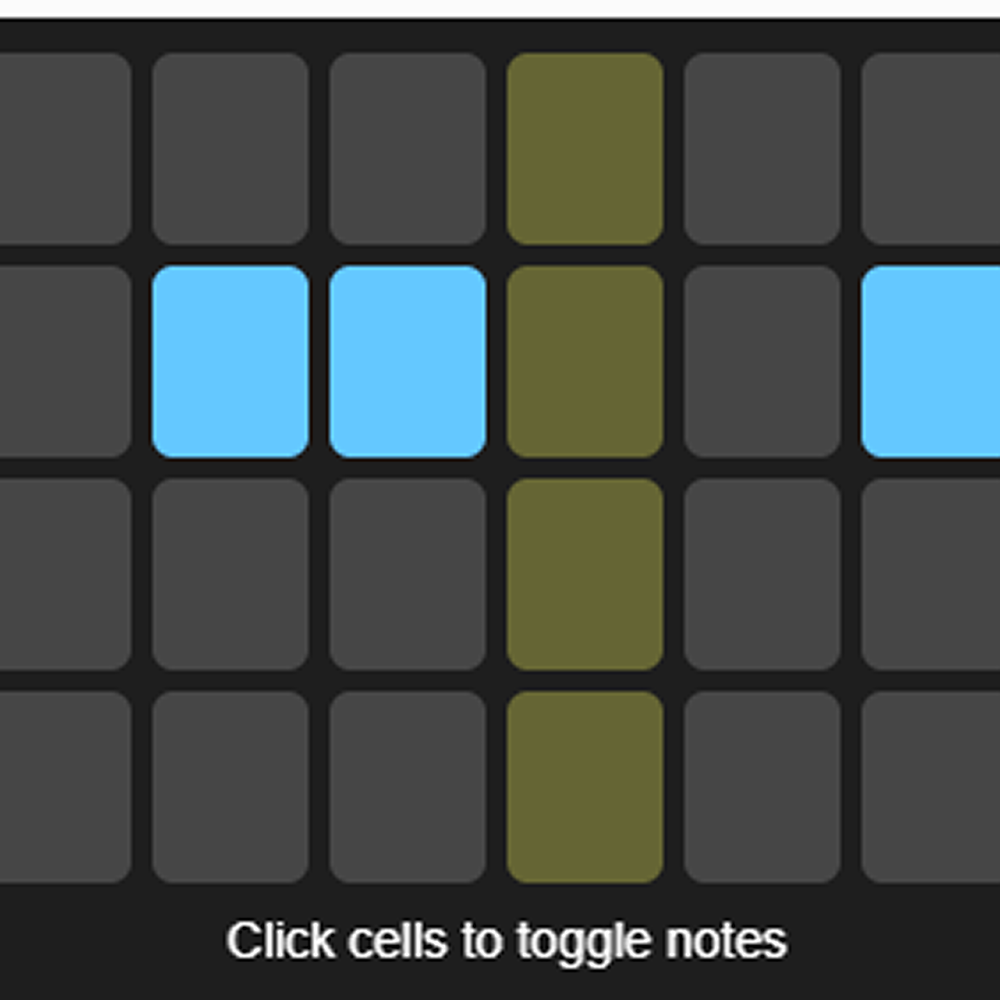
Four colourful pads represent different drum sounds — kick, snare, hihat and clap. Pressing Q W E R on the keyboard triggers each drum sound using synthesized noise and oscillators. <a href='https://editor.p5js.org/afwsaf/full/J5QwV62Rp' target='_blank'>Open Sketch</a> A yellow ball bounces up and down with realistic gravity and clicking the canvas throws it back up into the air. The pitch of the sine wave changes based on the ball's height, playing higher notes at the top and lower notes near the bottom. <a href='https://editor.p5js.org/afwsaf/full/eUOuQys0E' target='_blank'>Open Sketch</a> Four purple buttons let you click to play different musical chords — C, F, G and Am. Each chord plays three oscillators at once to create a full harmony and stops when you release the mouse.  <a href='https://editor.p5js.org/afwsaf/full/XyhbgOLXn9' target='_blank'>Open Sketch</a> The waveform of a sine wave is drawn in a glowing orange ring that slowly spins around the center of the canvas. Moving your mouse left and right changes the frequency which distorts and ripples the ring in different patterns.  <a href='https://editor.p5js.org/afwsaf/full/ljJ8ox9VM' target='_blank'>Open Sketch</a> This sketch works like a synthesizer XY pad where clicking and dragging the white dot controls two oscillators at once. The horizontal green crosshair controls the first frequency and the vertical one controls the second.  <a href='https://editor.p5js.org/afwsaf/full/b-PMN3B3d' target='_blank'>Open Sketch</a> The entire canvas is filled with a grid of tiny colored squares that react to a sawtooth wave playing in the background. Moving the mouse changes the pitch and the colors across the grid shift and pulse in response to the sound. <a href='https://editor.p5js.org/afwsaf/full/p_55ixOeH' target='_blank'>Open Sketch</a> Six notes are displayed as cards and a yellow highlight jumps between them automatically playing each one in sequence. A slider controls how fast the arpeggiator steps through the notes, from slow and melodic to fast and frantic. <a href='https://editor.p5js.org/afwsaf/full/bjvXiWuzD' target='_blank'>Open Sketch</a> Five hanging chime bars are drawn on a light blue background and clicking anywhere randomly triggers one of them to ring. A small yellow dot drops down from the chime that was hit to show which note just played.  <a href='https://editor.p5js.org/afwsaf/full/8QCJjj_S3' target='_blank'>Open Sketch</a> A bright pink square wave is drawn across the dark canvas showing the sharp on and off shape that gives this wave type its buzzy sound. A slider at the bottom lets you change the frequency and the current Hz value is displayed on screen.  <a href='https://editor.p5js.org/afwsaf/full/EpjH41By0' target='_blank'>Open Sketch</a> Clicking anywhere on the black canvas creates colorful glowing rings that expand outward and fade away. Each click also plays a tone based on where you clicked so different spots on the canvas produce different pitches.  <a href='https://editor.p5js.org/afwsaf/full/uJgCTkxbr' target='_blank'>Open Sketch</a> This is a step sequencer where you click cells in a grid to turn notes on and off. A yellow column sweeps across automatically and plays any highlighted cell it lands on, letting you build up looping musical patterns.

Project 2


Final Project 2 Design

P5 Interactive Audio Web Header Portfolio

PLACEHOLDER TEXT, put a description here or you will lose grades

Click HERE to see it working on my server

https://pyets.phoenix.sheridanc.on.ca/proj/p5/

https://sheridanc-my.sharepoint.com/:v:/g/personal/pyets_shernet_sheridancollege_ca/IQAkbRRWhYCjTJ-RsNMAYQsBAXiNEnA7n8S9QFXIZkrojg4?e=SuTwkg&nav=eyJyZWZlcnJhbEluZm8iOnsicmVmZXJyYWxBcHAiOiJTdHJlYW1XZWJBcHAiLCJyZWZlcnJhbFZpZXciOiJTaGFyZURpYWxvZy1MaW5rIiwicmVmZXJyYWxBcHBQbGF0Zm9ybSI6IldlYiIsInJlZmVycmFsTW9kZSI6InZpZXcifX0%3D


×

Powered by w3.css